

Last updated on January 28, 2026
In the fast-paced world of the smart home, one name stands out as the nerve center for modern automation: Google Home. But what is Google Home in 2026? It’s no longer just a speaker—it has evolved into the core app and ecosystem that unifies your entire connected life. This definitive guide breaks down everything you need to know about the platform redefining how we interact with technology at home.
What is Google Home in 2026? The Brains of Your Connected Home
Today, the term “Google Home” primarily refers to two interconnected concepts:
- The Google Home App: This is your command center, available for Android and iOS. From this single app, you can set up, control, and automate all your Google Nest devices (Google’s current hardware brand), plus thousands of compatible third-party gadgets, especially thanks to the Matter standard.
- The Hardware Legacy: Originally, Google Home was a line of smart speakers. While the original 2016 speaker is now a collector’s item, its spirit lives on in the current, sophisticated range of Google Nest devices.
Bottom line: While the hardware has evolved into the “Nest” brand, the Google Home app is more critical than ever, acting as the universal remote for your entire smart home.

The Google Nest Ecosystem in 2026: Featured Devices
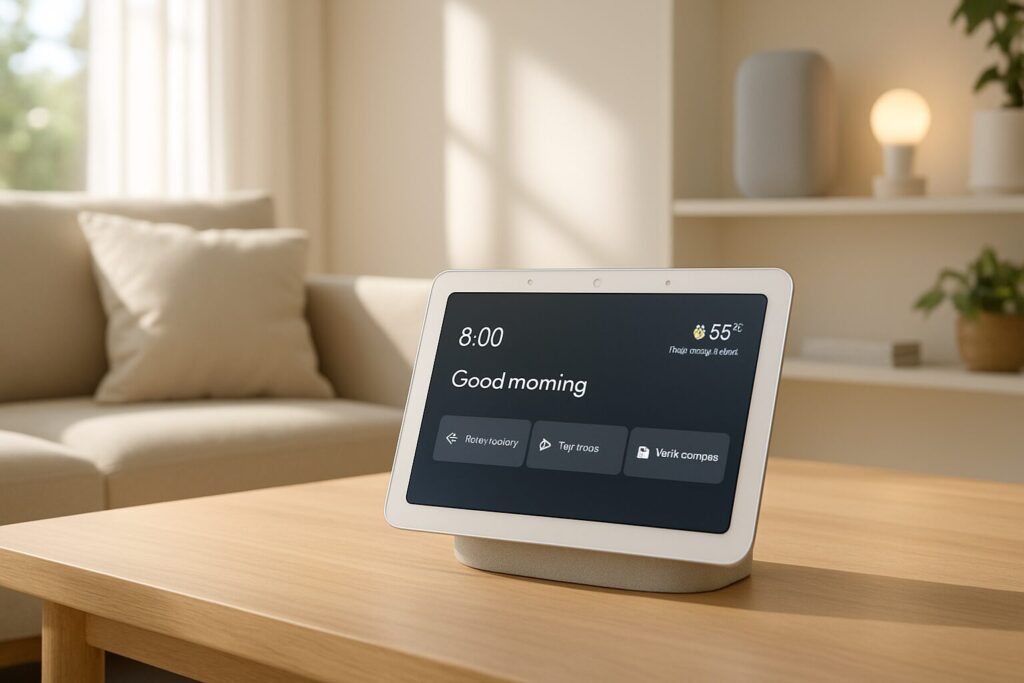
Google’s hardware lineup has grown and specialized. It’s not just about speakers anymore; we’re talking visual control centers, smart routers, and even convertible tablets. Here’s a breakdown of the star products you’ll find in 2026:
| Device | Key Features | Ideal For… | Estimated Price Range |
| Google Nest Hub Max (3rd Gen) | 10″ touchscreen, camera for auto-framing video calls, gesture controls, integrated Matter/Thread hub. | Kitchens and living rooms. It’s the ultimate visual command center for recipes, video calls, and monitoring security cameras. | $229 – $249 |
| Google Nest Audio (2nd Gen) | High-fidelity sound with deep bass and crisp highs. Stereo pairing capability. | Music lovers. Two units create an immersive stereo sound experience for any room. | $89 – $109 |
| Google Nest Mini (3rd Gen) | Compact design, surprisingly rich sound for its size, touch controls, built-in Matter/Thread hub. | Bedrooms, offices, and hallways. Perfect for affordably extending Google Assistant throughout your entire home. | $49 – $59 |
| Pixel Tablet (Hub Mode) | A full Android tablet that magnetically docks to a speaker base, transforming into a Nest Hub. | Users who want maximum versatility: a powerful tablet for personal use and a smart home hub when docked. | $499 – $599 (with base) |
| Google Nest Wifi Pro | Mesh Wi-Fi 6E router with an integrated Matter/Thread hub. Prioritizes traffic for peak performance. | Homes needing rock-solid, wall-to-wall Wi-Fi coverage and a strong foundation for their Matter device network. | Starts at $199 (1 node) |
Google Assistant: Now Smarter with Advanced AI
The heart of the entire ecosystem is Google Assistant. In 2026, it’s leaps and bounds beyond simply answering questions. Thanks to the integration of advanced AI models like Gemini (and its successors), how Google Assistant works has fundamentally changed.
The Assistant is now capable of:
- Natural Conversations: You can speak to it more fluidly without having to repeat “Hey Google” for every follow-up command. It understands the context of the conversation.
- Proactive Intelligence: The Assistant learns your patterns. It might suggest you run your “Movie Night” routine on a Friday evening or remind you to lower the thermostat if it detects everyone has left the house.
- Executing Complex Tasks: You can issue multi-part commands like, “Hey Google, play my cooking playlist, add flour to the shopping list, and set a 25-minute timer.” It will execute all of them without a hitch.
- Deep Ecosystem Integration: The AI allows for more powerful interactions between your devices. For example: “Hey Google, show the backyard camera on the Nest Hub, and if it detects motion, announce ‘visitor at the door’ on all speakers.”
Matter: The Smart Home’s Universal Translator
One of the most significant smart home upgrades in recent years has been the consolidation of Matter. This universal protocol has torn down the walls between brands. In 2026, you no longer have to worry if a light bulb is only compatible with Alexa, Google, or Apple.
Nearly all new Google Nest devices (like the Nest Hub Max, Nest Mini, and Nest Wifi Pro) act as Matter controllers and Thread border routers. This means you can add Matter-compatible devices (lights, plugs, sensors, locks) from any brand directly into your Google Home app with a simple QR code scan. No more juggling dozens of different apps and bridges for each manufacturer. This radically simplifies building a robust, unified smart home.
Tutorial: How to Set Up an Advanced Smart Routine
Routines are where the real magic of a connected home happens, allowing you to trigger multiple actions with a single command. Here’s how to set up an advanced “Good Morning” routine in the 2026 Google Home app.
- Open the Google Home app and tap on the “Automations” tab. Press “+ Add new”.
- Select the “Personal” routine type and give it a name, like “Wake Up Routine”.
- Add a starter: Tap “Add starter” and choose “Voice command”. Type in the phrases that will trigger it, such as “Hey Google, good morning” or “Hey Google, time to get up.”
- Add actions: This is where it all comes together. Tap “Add action” and select them one by one:
- Adjust home devices: Gradually fade on your bedroom lights to 30% over 5 minutes.
- Adjust home devices: Raise the smart blinds to 50%.
- Get info and reminders: Have the Assistant tell you the weather forecast, your day’s calendar events, and the latest news headlines.
- Adjust media volume: Set the bedroom speaker’s volume to 40%.
- Play media: Choose “Play music” and select your favorite morning playlist from Spotify or YouTube Music.
- Save the routine. The next morning, just say “Hey Google, good morning,” and your house will wake up with you in a completely personalized way.
Privacy and Security in the Google Ecosystem
Privacy is a top concern, and Google has implemented several layers of control. In 2026, much of the processing for common commands happens on-device, reducing the amount of data sent to the cloud.
From the Google Home app or your Google Account’s “My Activity” hub, you can review and delete your voice history. A handy command is: “Hey Google, delete everything I said to you this week.”
Additionally, the Guest Mode feature remains incredibly useful. By saying, “Hey Google, turn on Guest Mode,” interactions won’t be saved to your account or used for personalization, which is perfect for when you have visitors over.
Google Home vs. Amazon Alexa vs. Apple HomeKit in 2026
The smart home competition is fierce. While Matter has leveled the playing field for device compatibility, the core ecosystems still have their key differences.
| Feature | Google Home / Assistant | Amazon Alexa | Apple HomeKit |
| Assistant Intelligence | The most conversational and proactive, thanks to advanced AI and deep integration with Google Search. Excels at complex queries. | Extremely popular with a massive library of third-party “Skills.” Strong for shopping and routines. You can learn more about what Alexa is here. | Focused on simplicity and direct command execution. Less “chatty.” |
| Hardware Integration | Excellent first-party ecosystem with Nest Hubs, Nest Audio, Pixel Tablet, and Nest Wifi Pro. Strong focus on a unified user experience. | The widest range of Echo devices for every price point and use case (with screens, clocks, for cars, etc.). | The HomePod and Apple TV act as hubs. The ecosystem is more of a ‘walled garden’ but is extremely polished and secure. |
| Compatibility (Matter) | Full adoption. Many of its core devices double as Matter/Thread hubs, simplifying setup. | Full adoption. Also uses its newer Echo devices as Matter hubs. | Full adoption. The HomePod and Apple TV serve as Matter hubs for the Apple ecosystem. |
| Privacy | Vastly improved with more on-device processing and granular, easy-to-use privacy controls. | Offers similar privacy controls but has historically faced more scrutiny. | Widely considered the leader in privacy, with a heavy focus on end-to-end encryption and local processing. |