

Last Updated: January 22, 2026
What is Home Assistant in 2026? The Definitive Guide
Here in 2026, if you’re asking “what is Home Assistant?“, the answer is simple: it’s the brain of a modern, private smart home. Think of it not as just another smart hub, but as the powerful, open-source command center for your entire home. Built on the core principle of privacy, Home Assistant is a free automation platform that runs on a local server right inside your house. Unlike commercial, cloud-dependent solutions, this ensures your smart home is incredibly fast, reliable, and keeps working even if your internet connection goes down.
This local-first approach completely eliminates latency—that annoying lag between giving a command and seeing it happen. It also gives you absolute control over your personal data, preventing it from ending up on some third-party server. For anyone serious about building a truly intelligent, customized, and secure smart home, Home Assistant is the endgame.
Why Choose Home Assistant Over Cloud-Based Solutions?
Most smart devices you buy off the shelf rely on their manufacturer’s cloud servers. While this makes for a quick initial setup, it locks you into their ecosystem and comes with several major drawbacks that Home Assistant was designed to solve:
- Absolute Privacy: With Home Assistant, the audio from your smart speakers and the video from your security cameras aren’t sent to external servers for processing unless you explicitly configure it. You own your data. Period.
- Blazing-Fast Speed: Commands are executed instantly. Turning on a light is an immediate action, not a request that travels across the internet to a server on another continent and back.
- Rock-Solid Reliability: Internet down? Your house doesn’t care. Your lights turn on, your smart blinds close, and your security routines remain active because the system’s brain is right there at home.
- Future-Proof Your Home: Companies can go out of business, change their terms, or discontinue a product, turning your expensive smart devices into paperweights. With Home Assistant, your gear will work forever, regardless of what the original manufacturer does.
- Zero Hidden Fees: Home Assistant is free. There are no mandatory monthly subscriptions to unlock basic features—a business model that’s becoming all too common in the smart home industry.
Furthermore, by centralizing everything on one platform, you dramatically reduce your network’s attack surface. Instead of having dozens of devices from different brands phoning home to the internet, you manage security from a single, controlled point. For even greater protection, I always recommend segmenting your home network to isolate IoT devices from your computers and phones.
Recommended Hardware for Home Assistant in 2026
To run Home Assistant, you need a small, always-on computer. While there are tons of options, these are the top contenders in 2026, tailored to different needs and budgets:
| Device | Best For | Performance | Estimated Price Range ($) |
|---|---|---|---|
| Home Assistant Green | Beginners looking for a plug-and-play solution. | Good | $99 – $120 |
| Raspberry Pi 5 / 6 | DIY enthusiasts wanting a great balance of cost and power. | Very Good | $110 – $160 (complete kit) |
| Mini PC (Intel NUC, Beelink) | Power users needing maximum performance for AI, cameras, and other services. | Excellent | $160 – $300+ |
| NAS (Synology, QNAP) | Users who already own a powerful NAS and want to consolidate services. | Variable | (Depends on existing model) |
My top recommendation for most users is to go with a Raspberry Pi setup for Home Assistant. It’s crucial to pair it with an SSD for storage instead of a microSD card. The Home Assistant database performs constant read/write operations that will quickly wear out a standard microSD card, so an SSD is essential for long-term reliability.
How Much Does Home Assistant *Really* Cost?
This is one of the most common questions, and the answer has a few layers. Let’s break down the actual investment:
- The Software ($0): Home Assistant is, and always will be, free and open-source.
- The Hardware ($50 – $300): This is your one-time initial investment. It depends on which option you choose from the table above.
- Nabu Casa (Optional, ~$8/month): This is an optional subscription service created by the Home Assistant developers. It makes remote access (controlling your home when you’re away) and integrating with Alexa and Google Assistant incredibly simple—literally a single click. While there are free DIY methods to achieve the same results, they are technically complex. I personally subscribe to Nabu Casa because it’s worth every penny for the convenience, and it’s the primary way to financially support the project’s ongoing development.
Getting Started: The Simplified Home Assistant Installation
Long gone are the days when a Home Assistant installation was an intimidating command-line nightmare. In 2026, getting started is shockingly easy, especially with the recommended method: Home Assistant OS. This is a minimal, optimized operating system designed to run Home Assistant as efficiently as possible.
To install it on a Raspberry Pi, the steps are this simple:
- Download and install the official “Raspberry Pi Imager” tool on your computer.
- Open the imager, choose your Raspberry Pi model, and under the Operating System menu, find and select “Home Assistant OS.”
- Select your SSD or SD card as the destination.
- Click “Write” and let the process finish.
Once that’s done, just connect the drive to your Raspberry Pi, power it on, and from your computer’s web browser, go to http://homeassistant.local:8123 to complete the initial setup. It’s that easy!
For more advanced users, you can also install it as a Docker container or in a virtual machine, which is perfect if you want to run it on an existing NAS.
The Ecosystem: Home Assistant’s Best Integrations
The true power of Home Assistant is its ability to unify hundreds of different brands and protocols under a single interface. With thousands of available integrations, it’s almost impossible to find a device you can’t control.
Some of the best Home Assistant integrations include:
- Wireless Protocols: It’s the king of compatibility. You can manage Zigbee devices (using the built-in ZHA or the more powerful Zigbee2MQTT with coordinators like the SMLIGHT SLZB-06), Z-Wave, Bluetooth, and of course, the ever-growing Matter standard.
- Popular Brands: From Philips Hue and IKEA to Aqara, Shelly, Sonos, Tado, and even major appliances from brands like LG or Bosch. They can all coexist and work together in your automations.
- Voice Assistants: It integrates seamlessly with Amazon Alexa, Google Assistant, and Apple HomeKit. You can use the Nabu Casa subscription for instant setup or follow community guides for a free, more hands-on integration.
- Media and Services: Control your Plex or Kodi media servers, pull in your Google Calendar events, get data from your electric vehicle, or even track your local public transit schedule. The possibilities are endless.
Smart Automations in 2026: Beyond Simple “If-Then”
Home Assistant automations have evolved far beyond basic “if the door opens, turn on the light” logic. In 2026, we can create complex, context-aware automations that make your home anticipate your needs.
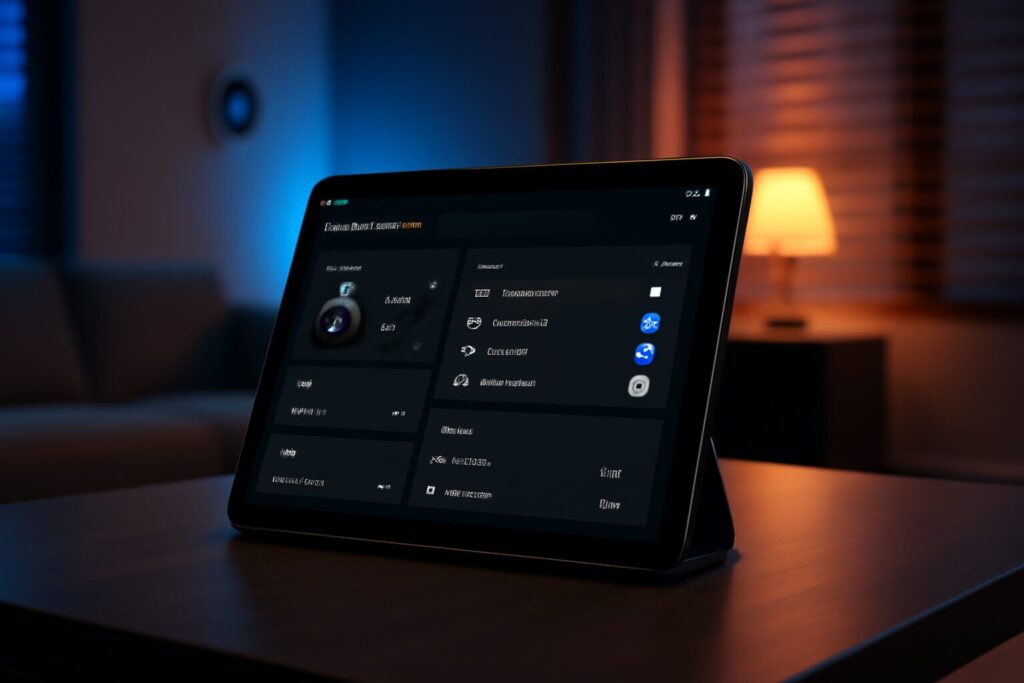
(Note: The following screenshots showcase examples of dashboards and automations possible in the 2026 version of Home Assistant, highlighting its visual flexibility and logical power.)
Example 1: Advanced Presence & Personalized Ambiance
By combining Wi-Fi detection of our phones, Bluetooth signals from our wearables, and a mmWave presence sensor in the living room, Home Assistant knows not just that I’m home, but that I’m sitting on the couch. It automatically dims the main lights, turns on my reading lamp, and starts my favorite Spotify playlist at a low volume.
Example 2: Local AI for Smarter Security, No False Alarms
Thanks to integrations with local AI systems like Frigate, my security cameras can differentiate between a person, a car, a cat, or a branch swaying in the wind. I only get a mobile notification—complete with a snapshot—if a person approaches my front door at night, while it completely ignores the neighbor’s cat strolling through the yard.
Example 3: Predictive Energy Management
By pulling real-time electricity pricing from my utility company’s API and checking the forecast from my solar panels, Home Assistant makes smart financial decisions. If power is cheap overnight and tomorrow is predicted to be cloudy, it will run the dishwasher and charge the EV at 3 AM to lock in the lowest rate. If a sunny day is ahead, it will hold those tasks for midday to use free solar power, maximizing self-consumption and savings.
Is Home Assistant Hard to Use in 2026?
While it’s true that Home Assistant had a steep learning curve in its early days, the reality in 2026 is completely different. The development team has done a phenomenal job making the platform accessible to everyone without sacrificing the power that advanced users demand.
Today, a huge portion of the setup is done through an intuitive, user-friendly graphical interface. Many devices are automatically discovered on your network, and adding them is just a matter of a few clicks. The community is one of the most active and helpful you’ll ever find, so there’s always a guide or a forum post to help with any project you can dream up.
In short, Home Assistant has struck the perfect balance: it’s simple enough for a beginner to get a functional system running in an afternoon, yet powerful enough for an expert to spend months tweaking and perfecting every last detail of their smart home.
Continue reading
Next related guide · 4 min read
Home Assistant Compatible Appliances: How to Choose Wisely
Buying an appliance today that doesn't have "WiFi" is almost impossible. However, most of these devices are technological islands: they have their own App,…
Continue with this article