
As an Amazon Associate, I earn from qualifying purchases. En calidad de Afiliado de Amazon, obtengo ingresos por las compras adscritas que cumplen los requisitos aplicables. If you buy through these links, the price is the same for you and Amazon pays me a small commission that helps keep Tecnoyfoto running.

Updated August 7, 2026
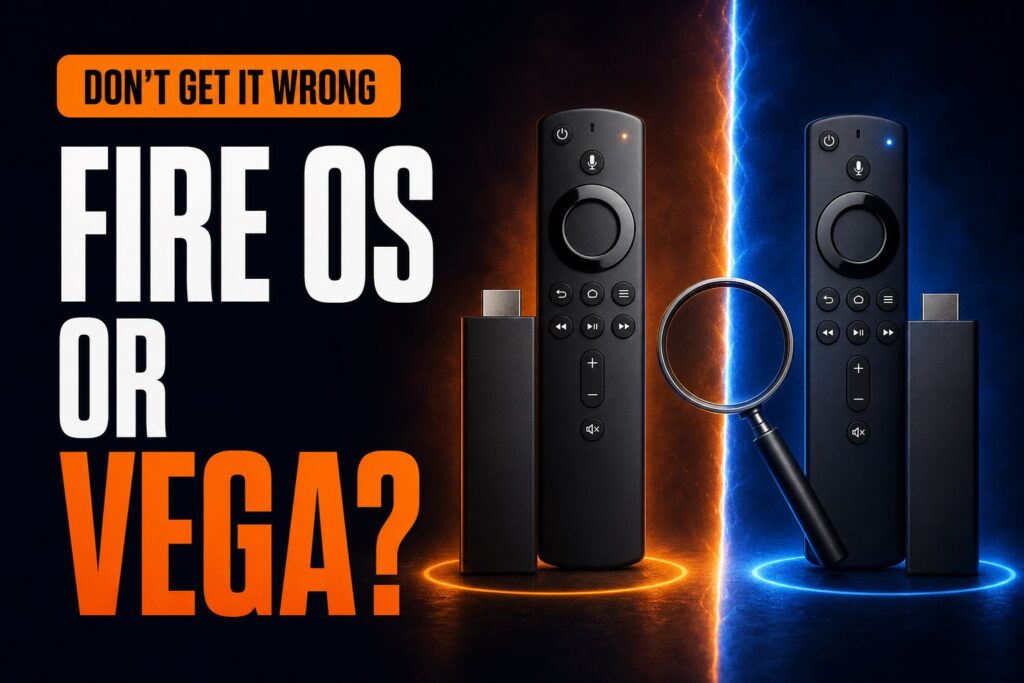
To check whether your Fire TV runs Vega OS or Fire OS, open Settings > My Fire TV (or Device & Software) > About. Note the complete device name and software version. Vega OS 1.x cannot run Android APK files, while a version labeled Fire OS uses Amazon’s Android-based platform.
Check the operating system in Settings
- Select the Settings gear on the Home screen.
- Open My Fire TV. Some TVs call it Device & Software.
- Select About.
- Check the device-name row and software-version section.
A version shown as Vega OS 1.0 or 1.1 belongs to Vega. Fire OS 7, 8, 14, or 16 belongs to Fire OS; the number varies by model and update. Do not confuse the Fire TV mobile-app version or remote firmware with the operating system.
Quick model table
| Exact device | Factory OS | Downloader/APK |
|---|---|---|
| Fire TV Stick HD (2026, Wi‑Fi 6) | Vega OS 1.1 | No |
| Fire TV Stick 4K Select (2025) | Vega OS 1.1 | No |
| Fire TV Stick 4K Plus (2025) | Fire OS 8 | Yes |
| Fire TV Stick 4K, 2nd gen (2023) | Fire OS 8 | Yes |
| Fire TV Stick 4K Max, 2nd gen (2023) | Fire OS 8 | Yes |
| Fire TV Stick HD (2024) | Fire OS 7 | Yes |
| Fire TV CubeAffiliate link, 3rd gen (2022) | Fire OS 7 | Yes |
“Yes” means the system includes a way to authorize compatible APK files. It does not mean every Android app will work. Processor architecture, Android API level, TV controls, and Google Play dependencies can still prevent installation or proper use.
Fire TV Stick HD 2024 vs. 2026
This is the most dangerous naming trap. The 2024 Stick HD retains Fire OS and supports compatible Android apps. The 2026 Stick HD adds Wi‑Fi 6 and runs Vega OS. Two boxes can both say “Fire TV Stick HD” while offering very different software freedom.
- Find the model year in the order, receipt, or retailer listing.
- Check whether the description mentions Wi‑Fi 6 and Vega OS.
- Avoid used listings that mention only storage or resolution.
- If you own the device, the About screen is more reliable than the box.
Select, Plus, and Max are not interchangeable
4K Select is the lower-priced 4K model with Vega OS. 4K Plus retains Fire OS 8 and supports compatible APK files. The 2nd-generation 4K Max also runs Fire OS 8, offers more storage, and is the most powerful and flexible of these three for advanced users.
A newer device does not automatically offer more features. Vega can provide a responsive interface and major streaming platforms, but it removes direct compatibility with the Android APK ecosystem.
Signs that you are using Vega OS
- System information shows Vega OS 1.x.
- Install unknown apps is missing.
- Downloader does not appear as it does in older tutorials.
- Developer settings refer to Developer Mode and Vega tools rather than ADB.
- An app owned or installed on another Fire TV is shown as incompatible.
These clues are useful, but the exact model and software shown under About are the strongest evidence.
Can an update convert Fire OS to Vega OS?
Amazon has not announced a universal update that replaces Fire OS with Vega on older devices. They are different platforms, and Amazon continues to document and develop Fire OS. “Future Fire TV Sticks will use Vega” refers to new hardware; it does not confirm a conversion of existing models.
What to do after identifying it
- If you have Vega: search for the app in Amazon Appstore and read our complete Vega OS guide.
- If you have Fire OS: follow our guide to installing unknown apps when you need a compatible APK.
- If you have not bought one yet: compare current devices in our Fire TV buying guide.
Frequently asked questions
Does Fire TV Stick 4K Max use Vega?
The 2023 second-generation Fire TV Stick 4K Max runs Fire OS 8, not Vega OS.
Does Fire TV Stick 4K Plus support Downloader?
Yes. The 2025 4K Plus runs Fire OS 8 and retains unknown-app permissions, subject to app compatibility and Amazon policies.
Does “8 GB” identify the operating system?
No. Fire OS and Vega devices can have the same capacity. Use the complete model name and software version.
Official source
Check Amazon’s official Fire TV device specificationsAffiliate link, which list the operating system and generation for each streaming player.
Continue reading
Next related guide · 5 min read
Vega OS on Fire TV: Models, Apps, and Fire OS Differences
Updated August 4, 2026 Vega OS is Amazon's new operating system for Fire TV Sticks. It uses Linux components, replaces the Android foundation found…
Continue with this article