
As an Amazon Associate, I earn from qualifying purchases. En calidad de Afiliado de Amazon, obtengo ingresos por las compras adscritas que cumplen los requisitos aplicables. If you buy through these links, the price is the same for you and Amazon pays me a small commission that helps keep Tecnoyfoto running.

Updated August 2, 2026
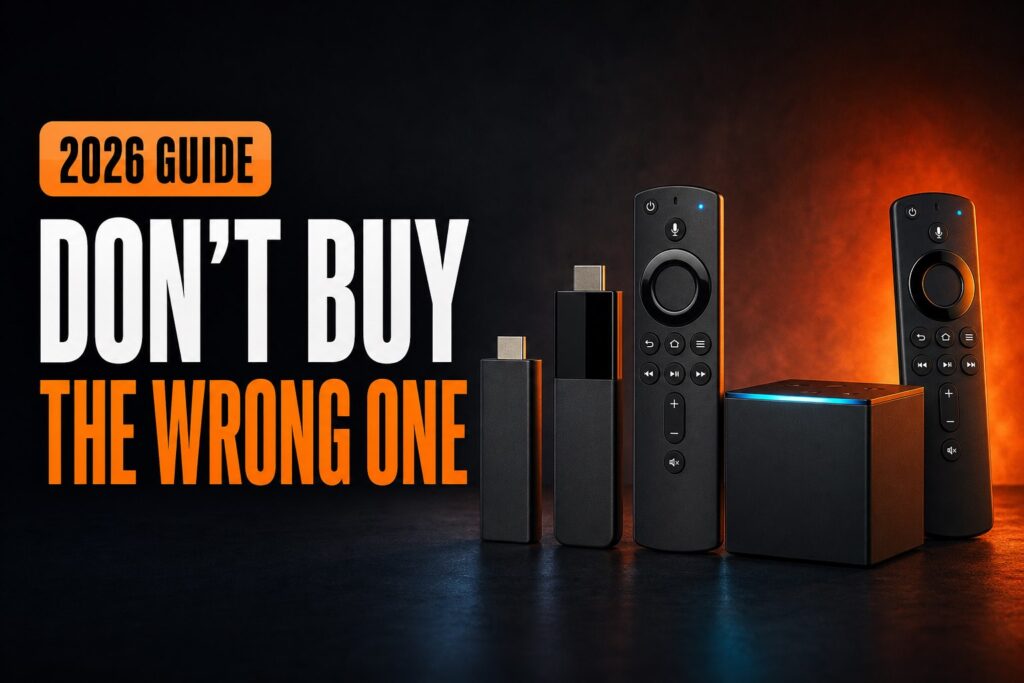
To decide which Fire TV to buy in 2026, comparing resolution and speed is no longer enough. You must first choose between Vega OS and Fire OS. The 2026 Fire TV Stick HD and 4K Select run Vega and cannot install Android APKs; 4K Plus, 4K Max, and Cube retain the more flexible Fire OS.
Current Fire TV comparison
| Device | Resolution | OS | Storage | APK | Best for |
|---|---|---|---|---|---|
| Fire TV Stick HD (2026) | Full HD | Vega OS 1.1 | 8 GB | No | 1080p TV and official apps |
| Fire TV Stick 4K Select (2025) | 4K | Vega OS 1.1 | 8 GB | No | Simple, affordable 4K |
| Fire TV Stick 4K Plus (2025) | 4K | Fire OS 8 | 8 GB | Yes | Balanced Android flexibility |
| Fire TV Stick 4K Max, 2nd gen (2023) | 4K | Fire OS 8 | 16 GB | Yes | Apps, games, and speed |
| Fire TV CubeAffiliate link, 3rd gen (2022) | 4K | Fire OS 7 | 16 GB | Yes | Home theater, Ethernet, hands-free Alexa |
Names and availability can vary by country. This guide uses Amazon’s official device specifications available in August 2026 and excludes rumored or unannounced hardware.
The most important choice: Vega OS or Fire OS
Vega OS is Amazon’s new Linux-based platform. It keeps the Fire TV experience and major services but needs apps built specifically for Vega. It cannot run Android APK files and does not use ADB.
Fire OS is Android-based. In addition to Amazon Appstore, current compatible models can authorize an installer such as Downloader to install APK files. Not every Android app works, but the platform is considerably more flexible.
- Buy Vega if Netflix, Prime Video, YouTube, Disney+, Max, and every essential service have official apps.
- Buy Fire OS if you need Kodi, Downloader, a specific Android app, ADB, or advanced integration.
- Before deciding, check which Fire TV can install unknown apps.
Fire TV Stick HD 2026: only for Full HD TVs
This is the entry-level option for a 1080p television. It adds Vega OS and Wi‑Fi 6, supports major streaming services, and includes an Alexa remote. It is a poor choice if you need APK files or expect to upgrade to a 4K TV soon.
Be careful with deals for the 2024 Stick HD. That model runs Fire OS 7, while the 2026 HD uses Vega. A similar name hides a crucial difference.
Fire TV Stick 4K Select: affordable 4K with Vega
4K Select was the first Fire TV Stick with Vega OS. It focuses on fast, straightforward access to official services, with 4K, HDR10+, and Dolby Atmos on compatible equipment. It lacks Dolby Vision and cannot install Android APK files.
It suits someone who does not customize the device and has verified every required app. It is not my choice for Kodi, Jellyfin while its official client remains in development, Android IPTV apps, or Home Assistant experiments that depend on ADB.
Fire TV Stick 4K Plus: balanced Fire OS flexibility
4K Plus retains Fire OS 8 and Android 11. It supports 4K, Dolby Vision, HDR10+, and Dolby Atmos while keeping compatible APK installation. It is the balanced recommendation for a current Fire TV without giving up Downloader or Kodi.
Its 8 GB of storage can feel tight with a large app collection. If the price difference is reasonable and you expect to install many apps, compare it with 4K Max.
Fire TV Stick 4K Max: the best Stick for advanced users
The second-generation 4K Max runs Fire OS 8, includes 16 GB, and adds Wi‑Fi 6E. It is the best Stick for many apps, cloud gaming, compatible networks, and users who want to retain APK and ADB support.
You do not need Wi‑Fi 6E for 4K video, but the extra storage makes a practical difference. It is still less powerful and less connected than Cube.
Fire TV Cube: for the primary television
Third-generation Fire TV CubeAffiliate link combines a faster 4K player with hands-free Alexa microphones, 10/100 Ethernet, HDMI input, and 16 GB. It is designed to control the TV, soundbar, receiver, and other living-room equipment.
It runs Fire OS 7 and retains APK/ADB support, but costs more and not everyone needs its control features. For a look at how the product evolved, read our review of an earlier Fire TV Cube generation.
Best Fire TV for each use
- Full HD TV and basic use: 2026 Stick HD, after confirming every app.
- Lowest-cost 4K: 4K Select if you accept Vega OS.
- Kodi, Downloader, or APK files: 4K Plus.
- Many apps and maximum Stick performance: 4K Max.
- Home theater and hands-free Alexa: Cube.
- Google Play and Android TV ecosystem: consider Google TV instead.
What to check before paying
- Complete model name, generation, and year.
- Vega OS or Fire OS in the specifications.
- Every essential app in your country.
- Dolby Vision, HDR10+, and audio formats supported by your TV.
- Storage and networking: 8/16 GB, Wi‑Fi 5/6/6E, or Ethernet.
- Return period, especially when buying from a third party.
Frequently asked questions
What is the best Fire TV in 2026?
4K Plus offers the best balance for most buyers; 4K Max is better for advanced users, and Cube is best for a complete home-theater setup.
4K Select or 4K Plus?
Select is simpler and uses Vega. Plus adds Dolby Vision and retains Fire OS, APK, and ADB. If Downloader matters, choose Plus.
Is 16 GB worth it?
Yes when you install many apps or games. Eight gigabytes may be sufficient for a small set of streaming services.
Official sources
- Amazon Fire TV streaming-player specificationsAffiliate link.
- Amazon Fire TV, Fire OS, and Vega OSAffiliate link.
Continue reading
Next related guide · 4 min read
How to Tell if Your Fire TV Uses Vega OS or Fire OS
Updated August 7, 2026 To check whether your Fire TV runs Vega OS or Fire OS, open Settings > My Fire TV (or Device…
Continue with this article