
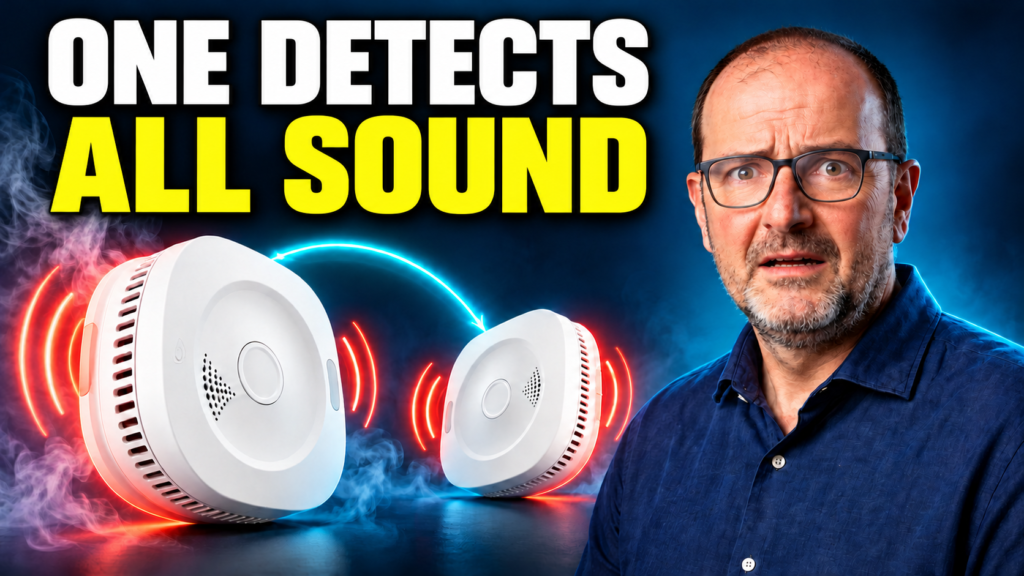

The Sensereo MS-1 Interlink has a clear purpose: when one alarm detects smoke, other compatible Interlink units can sound too. Matter over Thread adds Home Assistant integration. The MSC-1 takes a different approach, combining smoke and carbon monoxide detection without joining that Interlink group.
I’m Albert from Tecnoyfoto. For this review, I worked with two MS-1 Interlink alarms and one MSC-1, covering unboxing, pairing, and a smoke demonstration. What matters to me is understanding each model’s role, rather than simply adding more entities to a dashboard.
Manufacturer collaboration: Sensereo provided the devices for this review. The purchase link is a collaboration referral link.
MS-1 vs. MS-1 Interlink vs. MSC-1: features and price
The names are similar, but the difference affects what you should buy. Choose the MS-1 Interlink specifically if you want compatible alarms to sound together. The MSC-1 is the combined smoke and CO option in this comparison.
| Model | Detection | Interlink group | Reference price |
|---|---|---|---|
| MS-1 | Smoke | No | $49.99 USD |
| MS-1 Interlink | Smoke | Yes, with compatible units | $59.99 USD |
| MSC-1 | Smoke and CO | No | $69.99 USD |
These official reference prices were checked on October 11, 2026. They are US dollars; check taxes, shipping, currency, and availability for your address at checkout. Sensereo’s model comparison also confirms that a standard MS-1 cannot gain Interlink through a firmware update.
Check Sensereo prices and purchase options.
Sensereo Autumn Safety Upgrade: 10% off
October 1–20, 2026: get 10% off the Sensereo MS series by uploading a photo of your existing smoke alarm, from any brand, and completing a short form. Your discount code arrives by email. You do not need to return your old alarm.
Join the Autumn Safety Upgrade campaign · Shop Sensereo. Sensereo confirmed the extension through October 20 to Tecnoyfoto; some website copy still shows October 15.
What I tested—and what I haven’t measured
All three devices joined my Home Assistant setup. I also demonstrated smoke activation and heard the alarms sound. My initial impression of the build and onboarding was positive, and I did not need a separate Sensereo app to add the devices.
This was a home demonstration, rather than a controlled laboratory evaluation. I have not measured sound pressure, maximum room-to-room range, response times under standardized conditions, or years of battery life. I have not tested the CO sensor with a controlled carbon monoxide source. Both smoke alarms were exposed to smoke, so that demonstration alone does not isolate the Interlink relay behavior.
I keep those observations separate from manufacturer claims throughout this review. Smooth pairing is something I experienced; an advertised battery lifespan remains a specification that I have not verified over the long term.
Adding Sensereo to Home Assistant over Thread
My Thread network was already configured using a Sonoff Dongle Plus CC2674P10. The dongle supplies the radio for that setup. Plugging in an unconfigured USB adapter is not the same as having a working Thread network.
- Make sure Home Assistant’s Matter integration is ready and a Thread border router is available. Your phone must have access to the appropriate Thread credentials.
- Open the Home Assistant Companion app and choose to add a Matter device.
- Power on the alarm and enter pairing mode using that model’s instructions.
- Scan the Matter QR code and wait for commissioning to finish.
- Assign a room, then inspect the device’s entities and status.
In my setup, each addition took roughly one to one and a half minutes. That is an observation from this installation, not a guaranteed pairing time. If onboarding fails, I would first check the phone’s Thread credentials, Bluetooth during commissioning, and border router availability.
Home Assistant exposed detection states and diagnostics. The exact entities and usable controls depend on the model, firmware, and platform. A setting appearing in the interface does not prove that changing it affects the alarm’s behavior. See the Home Assistant Matter documentation and Sensereo’s pairing guide for setup requirements.
Interlink: one detects, compatible alarms sound
Matter handles smart home integration. Interlink provides local communication between compatible alarms. Two devices carrying the Matter logo do not automatically have compatible interconnected sirens.
According to the MS-1 Interlink specifications, compatible units on the same Thread network join automatically. The local alarm does not need internet access, but interconnection requires working Thread communication. Standard MS-1 and MSC-1 units cannot join that group.
This is appealing when the detecting alarm is some distance from the bedrooms. Before considering an installation complete, I would test each alarm and the interconnection according to the manual, including audibility from the rooms that matter. I have not tested interoperability with other manufacturers’ alarms.
MSC-1 smoke and CO detection
The MSC-1 interests me for a utility area with a combustion appliance, such as my boiler room. It combines smoke and CO detection with a CO display. CO is carbon monoxide, not carbon dioxide. This is not a natural gas leak detector. Placement should follow the alarm’s instructions rather than simply putting it as close as possible to the boiler.
Sensereo declares European EN 14604 and EN 50291 certifications for the MSC-1. However, the manufacturer states that its current European version is not UL 217 or UL 2034 listed. US readers should not treat it as a replacement for an alarm required by their local rules without verifying the exact product’s approval. English language support and a dollar price do not establish US suitability. See the MSC-1 product page.
I have not conducted a controlled CO detection test. My hands-on assessment concerns onboarding and the practical appeal of having smoke and CO in one device.
Battery life, maintenance, and everyday use
The MS-1 Interlink uses separate detection and connectivity supplies: a sealed battery advertised for seven years and a replaceable CR123A for the radio. Sensereo says to replace the alarm after seven years. These are manufacturer specifications, not battery endurance results from my review.
A connected alarm still needs the checks described in its manual, attention to battery and fault warnings, appropriate cleaning, and replacement at the specified age. An available Home Assistant entity does not establish that an alarm has been correctly installed or maintained.
For my home, I am considering smoke coverage in the living area and the passage toward the bedrooms, with the combined unit in the boiler area. That is my installation plan, not a universal placement guide. Follow each alarm’s instructions for distances from cooking, walls, ventilation, and combustion equipment.
What I liked and the limitations
- Strengths: all three devices paired in my installation, no additional manufacturer app was needed, and the range offers a choice between interconnected smoke alarms and combined smoke/CO detection.
- Limitations: smart features require a prepared Matter and Thread setup; the MS-1 and MSC-1 do not add Interlink; I have no measured long-term endurance, maximum coverage, or nuisance-alarm rate.
- Automations: phone alerts or turning on lights can supplement the siren. They depend on Home Assistant and the participating devices; remote alerts also need the relevant connectivity.
Which Sensereo would I choose?
I would choose MS-1 Interlink when the priority is spreading an audible warning between rooms. Its $10 premium over the standard MS-1 makes sense if you intend to use multiple compatible units. For a location that also needs CO detection, I would consider the MSC-1, knowing it does not join Interlink and checking certification for the destination market.
My initial Home Assistant experience was positive. That assessment is based on successful onboarding and choosing the right model for each role. It does not establish laboratory performance or guarantee protection in every scenario. Check market approval and placement before buying, then verify the completed installation using the manufacturer’s test procedure.
Frequently asked questions
Do I need a Sensereo hub?
I did not use one. Smart features need a compatible Matter system and a Thread network with a border router.
Do the alarms work without internet?
The local audible alarm does. Interlink needs local Thread communication. Receiving notifications away from home has additional connectivity requirements.
Can the MSC-1 trigger the MS-1 Interlink group?
It cannot join that group according to Sensereo. I would not buy it expecting that feature.
Can I upgrade my standard MS-1 to Interlink?
Sensereo says the standard model cannot gain Interlink through a firmware update.
View models and final checkout prices at Sensereo.
Continue reading
Next related guide · 10 min read
Matter over Thread in Home Assistant: Your Dongle Isn’t Enough
Setting up Matter over Thread in Home Assistant takes more than plugging in a USB dongle. The radio needs the right firmware, OpenThread Border…
Continue with this article