

Updated February 1, 2026
Zigbee Ethernet Coordinator: The 2026 Guide to a Rock-Solid Smart Home
If you’ve landed here, you’re ready to take your smart home to the next level. In a world where Zigbee network stability and coverage are everything, the classic USB coordinator is starting to show its age. As an IoT Engineer, I’ve seen firsthand how poor coordinator placement can cripple an entire connected home experience. The solution is clear, and it’s called a Zigbee Ethernet Coordinator. In this definitive guide, updated for 2026, we’ll break down why this technology has gone from a niche upgrade to the de facto standard for any serious Home Assistant setup.
The Ultimate Showdown: Zigbee Ethernet Coordinator vs. USB
The fundamental difference between an Ethernet and a USB Zigbee coordinator isn’t just the plug; it’s a completely different network design philosophy. Let’s analyze the practical advantages I’ve seen across countless installations.
1. Strategic Placement vs. Being Tethered to Your Server
- USB Coordinator: It’s physically tethered to your Home Assistant server (a Raspberry Pi, NUC, etc.). If your server is tucked away in a basement, a server rack, or a far corner of the house, your Zigbee network starts with a massive handicap, leading to poor coverage and a weak mesh. Worse, it’s notoriously prone to RF interference from USB 3.0 ports and SSDs—a common and frustrating problem to diagnose.
- Ethernet Coordinator: You have complete freedom. You can place it in the most central location of your home, like the ceiling of a main hallway, to guarantee optimal coverage and a robust, balanced Zigbee mesh. By moving it away from the server, you eliminate all sources of electrical interference at the source.
2. Pro-Level Reliability and Stability
- USB Coordinator: It is 100% dependent on its host system. A server reboot, a USB driver issue, or the classic headaches of USB passthrough in virtual machines can knock your entire Zigbee network offline.
- Ethernet Coordinator: It’s a standalone network device. As long as your router or switch has power, the coordinator keeps managing the Zigbee network. You can reboot your Home Assistant server as often as you like; your network of sensors and devices will remain intact, ready to respond the moment HA comes back online.
3. Next-Level Scalability with a Single Device
Here’s where the real magic happens. Because it’s an independent device, a LAN Zigbee coordinator allows for setups that are a dream for power users. For example, it’s possible to use the same physical coordinator to run two separate Zigbee networks simultaneously: one with ZHA (Zigbee Home Automation) and another with Zigbee2MQTT. This is perfect for testing new devices or migrating your network without downtime. If you want to learn how to achieve this, I explain the concept in my guide to running Zigbee2MQTT and ZHA with a single coordinator.
The Best Zigbee Ethernet Coordinators of 2026
The market has matured, and in 2026, we have some incredibly powerful and reliable options. I’ve handpicked the models I consider to be the best Zigbee coordinators based on their performance, community support, and overall value. Here’s a comparison chart to help you choose the right one for your needs.
| Model | Core Chipset | Power | External Antenna | Estimated Price | Best For |
|---|---|---|---|---|---|
| SMLIGHT SLZB-06 | TI CC2652P7 | PoE (802.3af) / USB-C | +5 dBi | $70 – $95 | Users seeking max performance and compatibility with Zigbee2MQTT. |
| Tube’s EFR32MGM21 PoE | Silicon Labs EFR32MGM21 | PoE (802.3af) | +5 dBi | $75 – $100 | Future-proof setups with native support for Thread and Matter. |
| ZigStar LAN Gateway | TI CC2652P | Passive PoE / USB-C | +5 dBi | $60 – $80 | A versatile and popular community choice known for its reliability and solid support. |
| SONOFF ZBDongle-E (PoE Mod) | Silicon Labs EFR32MG21 | PoE (802.3af) / USB-A | +8 dBi (modded) | $55 – $75 | DIY enthusiasts who modify the popular Dongle-E to run over Ethernet and PoE. |
Quick Setup Guide: Connecting to Home Assistant
Getting set up is surprisingly simple. Once you plug the coordinator into your network, it will get an IP address from your router. You just need to point your Zigbee software to that address.
Configuration for Zigbee2MQTT
In Home Assistant, navigate to the Add-on Store, find Zigbee2MQTT, and in its “Configuration” tab, modify the `serial` section like this. For a complete walkthrough, be sure to check out my guide on how to install and configure Zigbee2MQTT in Home Assistant for 2026.
serial:
  port: 'socket://192.168.1.123:6638'
(Remember to replace 192.168.1.123 with your coordinator’s actual IP address).
Configuration for ZHA (Zigbee Home Automation)
If you prefer ZHA, the process is just as intuitive. Go to Settings > Devices & Services, click “Add Integration,” and search for ZHA. When it asks for the radio type:
- Select the option to enter the path manually.
- Choose the radio type (usually “ZNP” for Texas Instruments chips or “EZSP” for Silicon Labs).
- For the device path, enter
socket://192.168.1.123:6638.
For more details and troubleshooting, visit my ultimate guide to ZHA in Home Assistant for 2026.
What is Power over Ethernet (Zigbee PoE)?
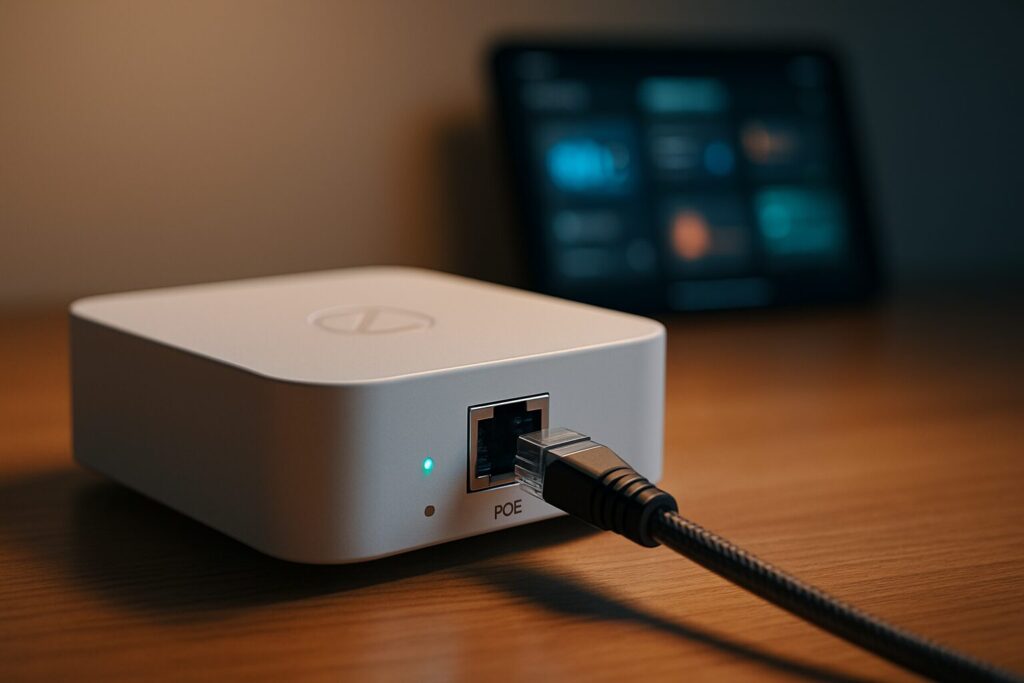
Power over Ethernet (PoE) is the cherry on top. This technology allows the same Ethernet cable that provides data to also deliver the electrical power needed to run the coordinator. This eliminates the need for a nearby power outlet, making for a dead-simple, clean installation. Imagine mounting your coordinator on the hallway ceiling, powered only by the single Ethernet cable running back to your switch. That’s the elegance of Zigbee PoE.
Key PoE Advantages:
- Clean Installation: One cable for both data and power.
- Maximum Flexibility: Place the device where coverage is best, not where an outlet happens to be.
- Centralized Reliability: If you connect your PoE switch to a UPS (Uninterruptible Power Supply), your Zigbee network will stay online even during a power outage.
The Verdict: Is a Zigbee Ethernet Coordinator Right for You?
After years of testing all kinds of hardware, my verdict is crystal clear: in 2026, if you’re serious about your smart home and want a stable, reliable Home Assistant Zigbee network with exceptional coverage, investing in a Zigbee Ethernet coordinator isn’t just a recommendation—it’s an essential upgrade. The price difference compared to a USB dongle is negligible when you factor in the hours of frustration it will save you from diagnosing network drops and offline devices. It’s, without a doubt, the pro-level choice for a smart home that just works.
Continue reading

Next related guide · 8 min read
Aqara Rain Sensor in Home Assistant: Is It Still Worth Using?
This was my first rain sensor for Home Assistant. I built it using an Aqara water leak sensor and a simple resistive rain plate…
Continue with this article