
This article may contain affiliate links. If you buy through these links, the price is the same for you and the store pays me a small commission that helps keep Tecnoyfoto running.

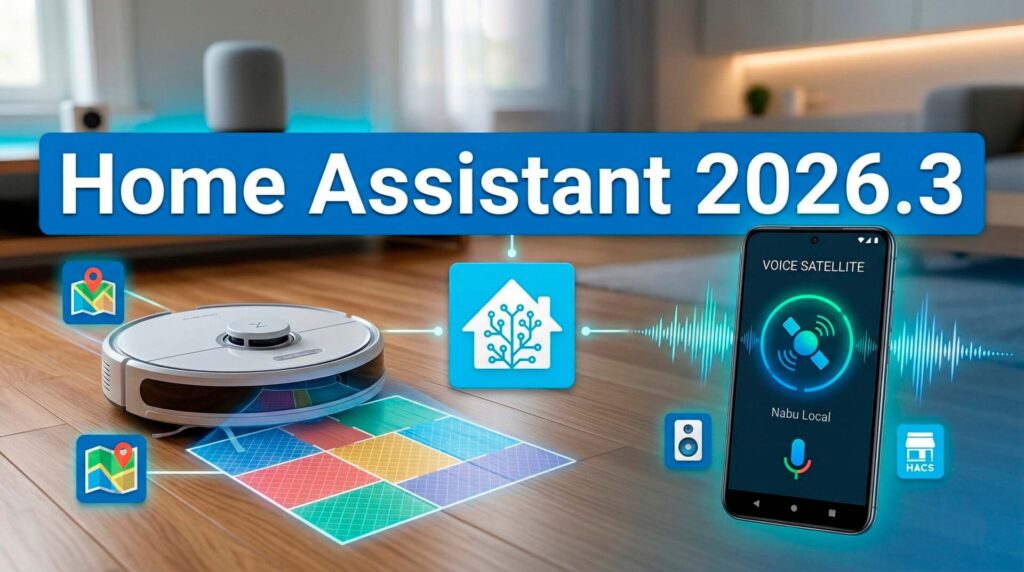
March is here, and with it comes a new update. The new features in Home Assistant 2026.3 are focused on polishing details and improving the things we already use every day. No experimental features that add zero real value to a normal home.
In this release, we are looking at improvements entirely geared towards utility. On one hand, controlling our appliances becomes more intuitive. On the other, the overall system gains stability against common failures.
Control Your Robot Vacuum by Zones in Home Assistant 2026.3
Until now, sending your vacuum to clean a specific room from Home Assistant required complex setups or custom scripts. Fortunately, that is now a thing of the past.
The new update allows you to map your robot vacuum’s rooms directly to your Home Assistant areas. This makes the integration much cleaner and fully native.
If you use compatible brands like Roborock or Matter devices, you can now send the robot to the living room with a simple button on your dashboard. This is real, applied smart home technology, without unnecessary complications.
Your Android Phone is Now a Local Voice Satellite
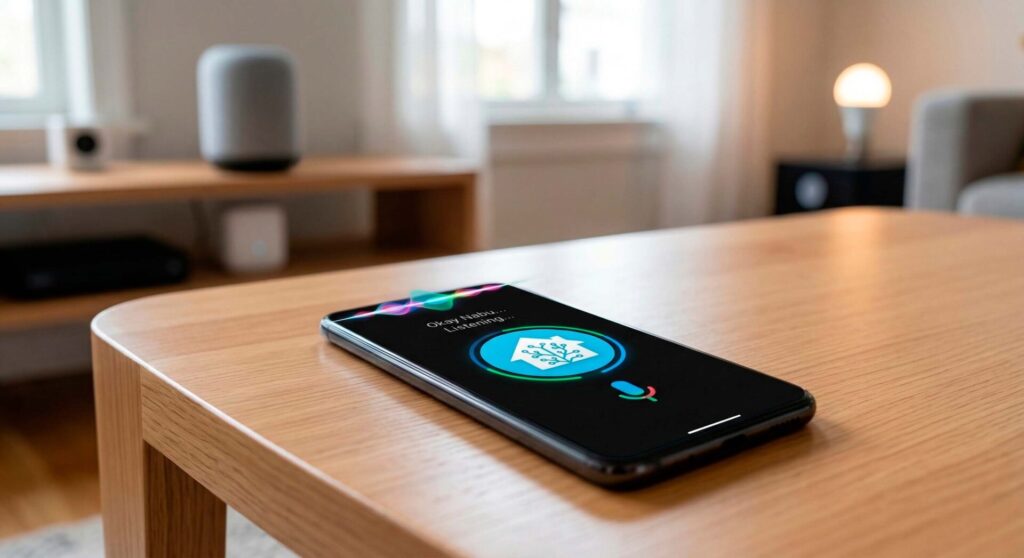
Another great addition is the ability to use your Android phone as a voice satellite. This means you can interact with your smart home without relying on third-party smart speakers.
- Total Privacy: Commands are processed locally using Home Assistant’s native assistant.
- Convenience: You can use your wake word (like “Okay Nabu”) directly by speaking to your phone.
- Savings: You don’t need to buy extra hardware if you already have the official companion app installed.
Automation Improvements: “Continue on Error”
This is quite possibly the most useful improvement for everyday peace of mind. When we create long routines, like a goodnight script to shut down the whole house, a single disconnected smart plug could stop the entire automation.
With the new “Continue on error” feature, the system is much more forgiving. If a light fails or a switch doesn’t respond, Home Assistant will log the error but continue executing the rest of the actions.
This ensures your home behaves predictably, preventing you from waking up in the morning to find the heating still on just because a single bulb lost its Wi-Fi connection.
Energy Dashboard and Repairs Overview
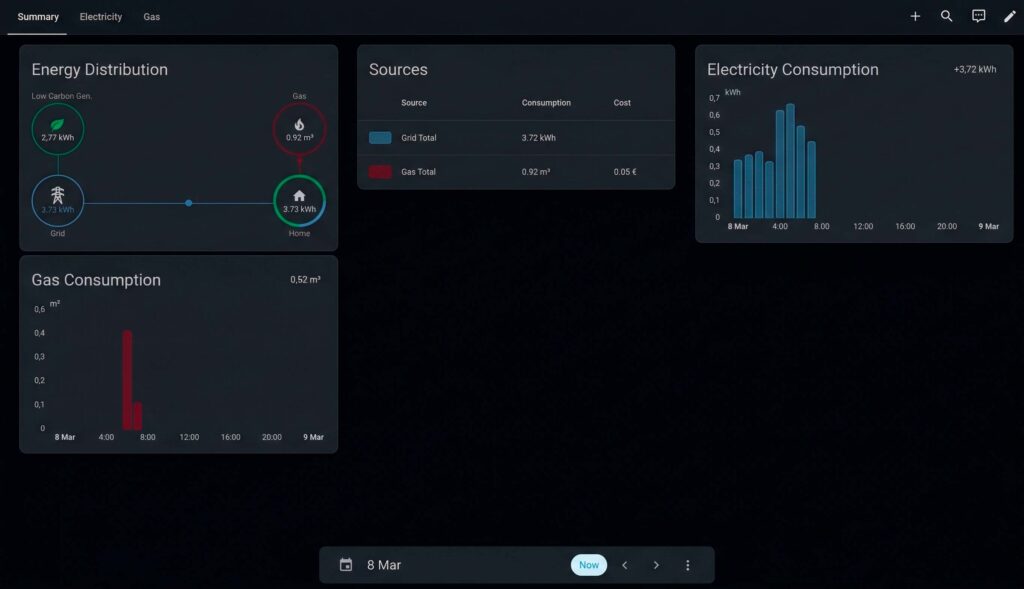
The visual interface also receives minor tweaks to make home management easier. The Energy dashboard now displays consumption data in a clearer and more structured way.
Additionally, the Repairs menu is more visible. This helps us quickly identify if any integration needs our attention or if there is a pending configuration issue to resolve, keeping the system running smoothly.
The Leap to Python 3.14: What You Need to Know
You might read alarmist headlines about the internal upgrade to Python 3.14. The reality is that this is a standard maintenance process that improves overall system performance (you can check the technical details in the official release notes).
There is no reason to panic. The only real impact is that some unofficial integrations (the ones we install via HACS) might need a few days for their developers to update them and make them compatible.
If your smart home relies heavily on critical third-party integrations, the most sensible advice remains the same: wait a few days before hitting the update button. Enjoy your smart home without rushing, see how the community reacts, and update when you are confident everything works flawlessly.
Technology should work for us to make our lives easier, not create stress about having the absolute latest version installed on day one.
Continue reading

Next related guide · 3 min read
Home Assistant 2025.12: Labs, Winter Mode & Legacy Templates (What’s New)
The new Home Assistant 2025.12 features are finally here, and it feels like an early Christmas gift. The last release of the year has…
Continue with this article