

Updated on January 27, 2026
If you’re asking what is Google Assistant in 2026, forget everything you thought you knew. It’s no longer just a simple voice assistant; it’s a powerful conversational AI supercharged by the Gemini model. Born from the evolution of Google Now, the Assistant is now a proactive companion woven into nearly the entire Google ecosystem, from Android phones and Apple devices to the very heart of your smart home with the Google Nest lineup.
Unlike competitors such as Amazon’s Alexa or Apple’s Siri, the Gemini-powered Assistant stands out for its ability to understand complex contexts, maintain fluid conversations, and execute multi-step tasks with astonishing naturalness. If you haven’t yet explored the capabilities of a modern AI assistant, this definitive guide will show you everything you need to know to master it.
The Gemini Revolution: More Than an Assistant, It’s Your AI Copilot
The single most significant change in recent years has been the deep integration of the Gemini AI with Assistant. This transforms the Assistant from a command executor into a true collaborator. So, what does this mean in practice?
- Natural Conversations: You can ditch the robotic phrases. Talk to the Assistant like you would a person, and it will understand the context from previous questions. For example, ask, “Who directed the last Dune movie?” and follow up with, “And what other films has he worked on?” without needing to repeat the director’s name.
- Multimodal Capabilities: Gemini allows the Assistant to understand and process not just voice, but also images and text. You can point your Pixel’s camera and ask, “What kind of plant is this and how do I take care of it?”
- Advanced Reasoning: Give it complex tasks like, “Plan a road trip from Los Angeles to San Francisco with a lunch stop at a top-rated vegetarian restaurant halfway through,” and it will get it done.
- Proactivity: The Assistant can now anticipate your needs, suggesting reminders based on your emails, alerting you to traffic before you leave for a calendar appointment, or summarizing your important notifications in the morning.
Where Can You Use Google Assistant in 2026?
Google Assistant is everywhere. It has transcended smartphones to become the connective tissue of the Google ecosystem. You’ll find it on:
- Smartphones and Tablets: The core experience on Android devices and available through the app on iOS.
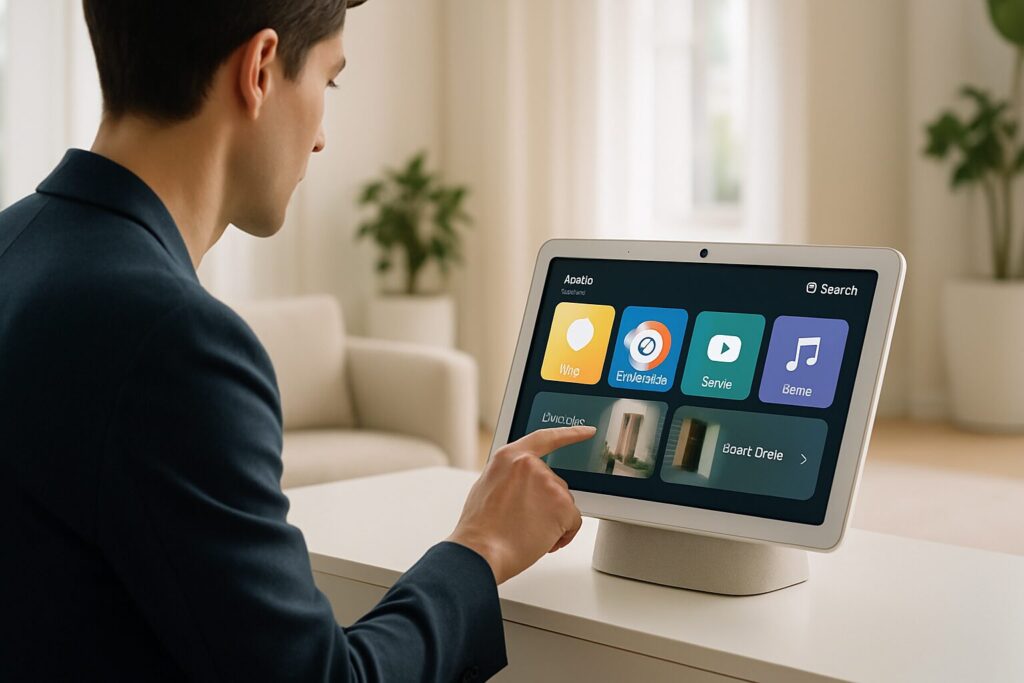
- Smart Speakers and Displays: The entire Google Nest Hub and Nest Audio lineup uses it as the primary OS, turning them into your smart home command center.
- Smartwatches: On any Wear OS watch, you can ask quick questions, start timers, or control your music without pulling out your phone.
- TVs: Devices running Google TV and Android TV have the Assistant built-in to search for content, control playback, or manage your smart home devices from the couch.
- Cars: Through Android Auto, you can get directions, send messages, make calls, and control your music safely while driving.
- Headphones and More: Many third-party headphones and devices like Chromebooks now come with the Assistant integrated.

Getting Started: How to Activate “Hey Google” and First Steps
On most modern Android devices, the Assistant comes pre-installed and ready to go. The most common way to activate “Hey Google” is simply to say the phrase out loud. For it to work correctly, make sure you’ve set up Voice Match in the Google app’s settings, which allows the Assistant to recognize your voice securely.
Other ways to summon the Assistant in 2026 include:
- Phone Gestures: Swiping up from the bottom corners of the screen on most Android phones.
- Physical Button: Some phones, especially Pixels, offer the option to activate the Assistant by long-pressing the power button.
- Quick Phrases: On Nest Hub and Pixel devices, you can set up phrases like “Stop” or “Answer” to dismiss alarms or take calls without needing to say “Hey Google” first.
If for some reason you don’t have it, you can download it from the Play Store or Apple’s App Store.
Google Assistant Commands: From Basic to Gemini-Powered
Once it’s active, it’s time to try out some Google Assistant commands. You can speak or, on screen-based devices, tap the keyboard icon to type your query. Here’s a mix of examples, from the simple to those that leverage Gemini’s AI:
- Basic Queries: “What’s the weather tomorrow?”, “Set a 15-minute timer for the pasta,” “What’s the latest tech news?”
- Productivity: “Remind me to call Mom at 6 PM,” “Add olive oil to the shopping list,” “What’s on my calendar today?”
- Media Control: “Play my ‘Workout’ playlist on Spotify on the living room speaker,” “Turn up the volume,” “Find paella recipe videos on YouTube on the TV.”
- Smart Home Control: “Turn off all the lights,” “Set the thermostat to 72 degrees,” “Show me the front door camera on the Nest Hub.”
- Advanced Commands (Gemini): “Summarize my unread emails from today,” “I’m bored, what can we do this weekend that’s outdoors and doesn’t cost much?”, “Help me draft an email apologizing for being late to the meeting.”
To discover its full potential, be sure to check out our guide on what your Google Nest can do, as many of its features apply directly to the Assistant on any device.
Smart Home Automation and Productivity with Google Assistant Routines
One of the most powerful features for home automation is Google Assistant Routines. A routine is a sequence of actions triggered by a single custom command. For example:
- “Good morning” Routine: When you say “Hey Google, good morning,” the Assistant can take your phone off silent, tell you the weather, read your calendar appointments, give you the news, and turn on the kitchen lights.
- “Bedtime” Routine: With “Hey Google, bedtime,” it could turn off all the lights, adjust the thermostat, check that the doors are locked (with smart locks), and play relaxing sounds.
- Location-Based Routines: You can create a routine that triggers automatically when you arrive home, turning on the lights and playing your favorite music.
You can create and customize your own routines from the Assistant settings in the Google Home app. For power users, the Assistant can even interface with platforms like Home Assistant, allowing for unified control over a vast array of devices and protocols, taking your smart home to the next level.
Google Assistant vs. The Competition in 2026 (Alexa and Siri)
While the competition is fierce, each assistant has its strengths. Here’s how the landscape looks in 2026:
| Feature | Google Assistant (with Gemini) | Amazon Alexa | Apple Siri |
|---|---|---|---|
| Underlying AI | Gemini. Focused on natural conversation, context, and complex reasoning. | Amazon’s proprietary AI. Extremely powerful for command execution and its ecosystem of Skills. | Apple’s AI. Excels at on-device processing with a strong focus on privacy. |
| Ecosystem Integration | Deep integration with Google services (Gmail, Calendar, Maps, Photos). Ubiquitous on Android, Wear OS, and Nest. | Excellent with the Amazon ecosystem (Prime, Music, Shopping). Has the broadest third-party device compatibility. | Seamless and secure integration within the Apple ecosystem (iPhone, Mac, Apple Watch, HomePod). |
| Smart Home Control | Very robust via Google Home. Compatible with Matter and thousands of devices. Routines are very powerful. | Often considered the leader due to the sheer number of “Skills” and compatible devices. Its routines are extremely flexible. | Very secure and reliable through HomeKit, though its ecosystem of compatible devices is smaller than its competitors. |
| Conversational Ability | The most advanced, thanks to Gemini. Maintains context and fluidity in long dialogues. | Has improved significantly but remains more transactional. Ideal for direct commands. | Functional for direct tasks but less fluid in complex conversations compared to Google. |
Your Privacy Comes First: Managing Your Data
Using a voice assistant means entrusting it with your data. Fortunately, Google has significantly improved its privacy controls. To manage your information, navigate to your Google Account settings and look for the “My Activity” section.
- Review your history: You can see and listen to the voice recordings the Assistant has processed.
- Delete recordings: You have the option to delete your history by day, by a date range, or entirely. You can also set up automatic deletion for every 3, 18, or 36 months.
- Adjust sensitivity: You can configure the sensitivity of the “Hey Google” wake word to reduce accidental activations.
Customize It Your Way
You can tailor Google Assistant to your preferences. By accessing the Assistant’s settings (usually through the Google or Google Home app), you can change:
- The Assistant’s voice: Choose from a variety of voices, tones, and styles. Celebrity cameo voices have become less common, replaced by much more natural and diverse AI-generated voices.
- Your nickname: Tell the Assistant what you want it to call you.
- News and music sources: Select your preferred providers to be the default when you ask for news or music.
- Continued Conversation: Keep the microphone active for a few seconds after a response so you can ask follow-up questions without repeating “Hey Google.”
- Shortcuts: Create your own commands to perform complex tasks more quickly.
The bottom line is, the Google Assistant of 2026 is an incredibly versatile tool that, thanks to the power of Gemini, has become a cornerstone for managing our digital lives and smart homes.