

Updated August 25, 2026 · I²C wiring, compatible models, ESPHome code, placement, and troubleshooting reviewed.
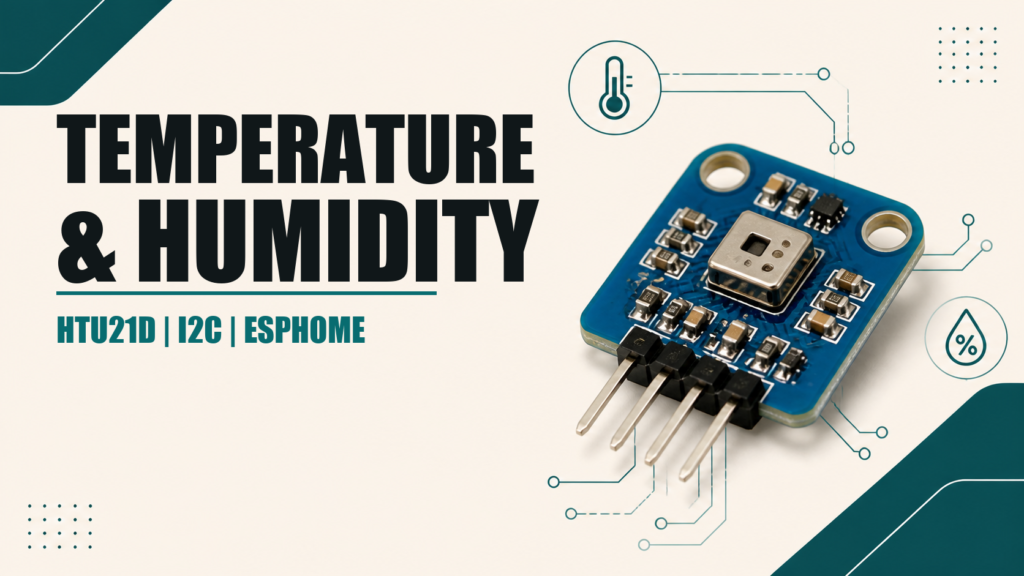
The HTU21D is a digital temperature and humidity sensor that communicates over I²C. Compared with basic single-wire sensors, it offers good repeatability, straightforward bus discovery, and direct ESPHome support. Similar modules may be sold as Si7021 or SHT21; identify the actual chip and select the correct model.
What the HTU21D provides
- Digital relative humidity and temperature measurement.
- I²C communication at the usual address
0x40. - Manufacturer typical accuracy near ±2% RH and ±0.3 °C in the reference range.
- Factory calibration stored in the sensor.
- An internal heater for diagnostics or specific recovery procedures.
Accuracy is not identical across the full operating range, and physical installation has a major effect. A warm or unventilated enclosure can create more error than the sensor itself.
Sensor voltage and breakout-board voltage
The bare HTU21D operates at low voltage, approximately 1.5–3.6 V. Some breakout boards include a regulator and level shifting; others connect directly to the chip. Power it from 3.3 V with an ESP8266 or ESP32 unless your specific module documentation explicitly says otherwise. Appearance alone does not prove 5 V compatibility.
I²C wiring
| HTU21D | Wemos D1 mini / ESP8266 | Classic ESP32 |
|---|---|---|
| VIN / VCC | 3V3 | 3V3 |
| GND | GND | GND |
| SDA | GPIO4 (D2) | GPIO21 |
| SCL | GPIO5 (D1) | GPIO22 |
Not every ESP32 board uses the same pinout. Check your exact model. I²C requires pull-up resistors on SDA and SCL, which many breakout boards already include. Connecting many modules can place several pull-ups in parallel and make the combined resistance too low.
ESPHome configuration on ESP8266
i2c:
  sda: GPIO4
  scl: GPIO5
  scan: true

sensor:
  - platform: htu21d
    model: HTU21D
    temperature:
      name: "HTU21D temperature"
      accuracy_decimals: 1
    humidity:
      name: "HTU21D humidity"
      accuracy_decimals: 1
    update_interval: 60s
With scan: true, the ESPHome log should show a device at 0x40. A 60-second interval is appropriate for room monitoring and avoids unnecessary polling and self-heating.
ESP32 configuration
i2c:
  sda: GPIO21
  scl: GPIO22
  scan: true

sensor:
  - platform: htu21d
    model: HTU21D
    temperature:
      name: "HTU21D temperature"
    humidity:
      name: "HTU21D humidity"
    update_interval: 60s
HTU21D, Si7021, or SHT21?
ESPHome supports compatible model selections including HTU21D, SI7021, and SHT21. An I²C scan finding address 0x40 does not identify the chip by itself because several sensors share that address. Check the component marking or module documentation.
If readings look plausible but the log reports an identification warning, select the correct model. Do not use a different model setting to hide power or wiring errors.
Sensor placement
- Outside the main enclosure or separated from the regulator and ESP.
- Ventilated but protected from droplets, dust, and direct contact.
- Away from sunlight, heaters, and localized drafts.
- Not touching a cold surface where condensation can form.
- With the sensing opening exposed to air and free from adhesive.
Do not leave the internal heater enabled to “improve” normal readings. It raises die temperature and changes relative humidity. Use it briefly and only for a specific manufacturer-supported purpose.
I²C troubleshooting
| Symptom | Check |
|---|---|
| No device at 0x40 | VCC/GND, swapped SDA/SCL, solder joints, and voltage |
| Intermittent errors | Shorter cable, ground, pull-ups, and decoupled power |
| Temperature too high | Separate the sensor from the board and ventilate the enclosure |
| Humidity saturated | Condensation; allow it to dry and change placement |
| Several modules fail | Address conflicts or too many pull-ups in parallel |
Calibration and comparison
Before applying an offset, place the HTU21D next to a reliable instrument and allow both to stabilize. Compare several temperature and humidity conditions. A nearly constant error can use a filter; an error that changes across the range needs better calibration or sensor replacement.
temperature:
  name: "HTU21D temperature"
  filters:
    - offset: -0.4
For broader setup and hardware guidance, see our introduction to ESPHome and its device workflow.
Using the readings in Home Assistant
ESPHome creates separate temperature and humidity entities. They can be placed directly on a dashboard, stored in long-term graphs, or used to calculate absolute humidity and dew point with helpers. For ventilation control, combine both readings with sensible thresholds and time conditions instead of switching important equipment from one sample.
Assign the device to an area and keep entity names stable. If you rename an entity after building automations, review their references. Long-term statistics are particularly useful for finding a poorly ventilated enclosure, progressive sensor drift, or recurring condensation periods.