
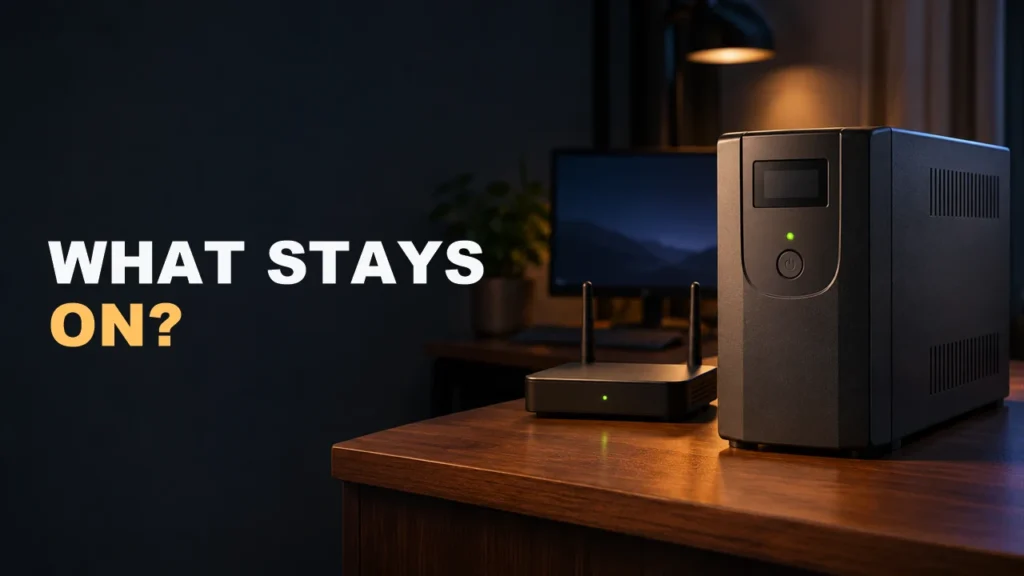

A UPS battery backup, short for uninterruptible power supply, supplies power to connected devices when utility power drops out. It can keep your home network running for a while or give you time to save your work and shut down. Start with what needs to stay on and for how long.
Which type of UPS should you choose?
| Type | How it works | When to consider it |
|---|---|---|
| Standby or offline | Utility power feeds the load within its acceptable range. The UPS switches to battery when input fails or goes out of that range. | Basic backup for equipment that tolerates the brief transfer. |
| Line-interactive | Voltage regulation corrects some fluctuations without using the battery. The UPS transfers to battery when input fails or goes out of range. | A home office, router, or NAS that benefits from voltage regulation. |
| Online double conversion | The inverter supplies the output in normal mode. The battery takes over when input power fails. | Sensitive equipment or an unreliable supply when the setup calls for it. |
An online double-conversion UPS normally converts incoming AC to DC, then uses its inverter to supply AC to the load. During an outage, the battery supplies the inverter. If the UPS goes into bypass, it can feed the load directly from the incoming line. The protection you get depends on the design and which mode is active. See Eaton’s UPS topology guide.
Compare the watt limit, VA limit, and runtime
Check both capacity ratings. Watts measure real power and volt-amperes (VA) measure apparent power. A 1000 VA model might be rated for 600 W, while another can deliver 1000 W. If your power meter reports both W and VA, measure the devices during a representative workload. Leave room for startup and load spikes.
Look up runtime at your measured load. The battery and its condition affect how long the UPS can run, and runtime drops as you add load. Check the manufacturer’s runtime chart for the exact model at the nearest published load. A VA rating on its own won’t tell you how many minutes you have. See Eaton’s home and office UPS guide.
Two examples for a home setup
Modem and router. Suppose your router draws 14 W and your modem or separate fiber terminal draws 10 W. That’s 24 W. If you need an hour of backup, check the runtime curve near 24 W and use battery-backed outlets for both devices. Your local network can stay on while your internet provider loses service in the same outage.
Desktop, monitor, and NAS. Say the three devices draw 320 W and 380 VA in total. A UPS rated at 650 VA and 300 W falls short on watts. One rated at 900 VA and 540 W clears both figures in this example. Check peaks and the runtime near 320 W before relying on it. If the goal is to shut down a NAS safely, you may get more time by leaving the monitor off battery backup.
Check outlets, voltage, and shutdown support
Some UPS units have battery-backed outlets alongside surge-only outlets. Check the markings before plugging in the devices that need to stay on. Match the UPS input, output, and connectors to your circuit and equipment. Many U.S. home-office circuits supply 120 V. The European Salicru I use is designed for a different nominal voltage range. If the device manufacturer requires a specific output waveform on battery, check the UPS specs for that mode.
For a desktop or NAS, check whether the UPS and your equipment support the same USB or network shutdown method. Make sure you can act on a low-battery signal and confirm which devices need to stay online for the shutdown to work. Also check whether the battery is replaceable, and follow the manufacturer’s test procedure before depending on the setup during an outage. See Schneider Electric’s UPS buying guide.
How I use a Salicru UPS with Home Assistant
I installed a Salicru SLC-1000-TWIN RT3 by my desk to protect my computer and the equipment around it. I also ran a cable to the area where I keep my router. In Home Assistant, I can see the equipment load and the battery charge as separate readings. You can see the UPS and its outlets in my Salicru TWIN RT3 unboxing.
If you want to monitor a UPS in Home Assistant, start with the exact model and how it exposes its data. The Network UPS Tools integration reads the data provided by a NUT server for compatible equipment. Treat automatic shutdown as a separate workflow and test it before relying on it.
Continue reading
Next related guide · 3 min read
Salicru TWIN RT3 1000 VA UPS: Unboxing and Real-World Use
The Salicru SLC-1000-TWIN RT3 is a 1000 VA, 1000 W online double-conversion UPS. Salicru sent me the unit in the video. I set it…
Continue with this article