
This article may contain affiliate links. If you buy through these links, the price is the same for you and the store pays me a small commission that helps keep Tecnoyfoto running.

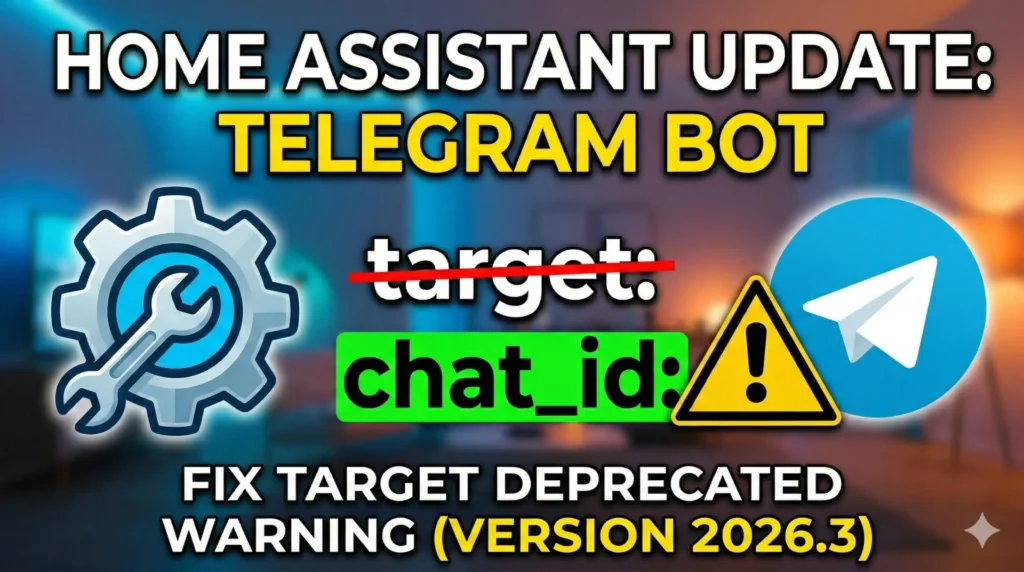
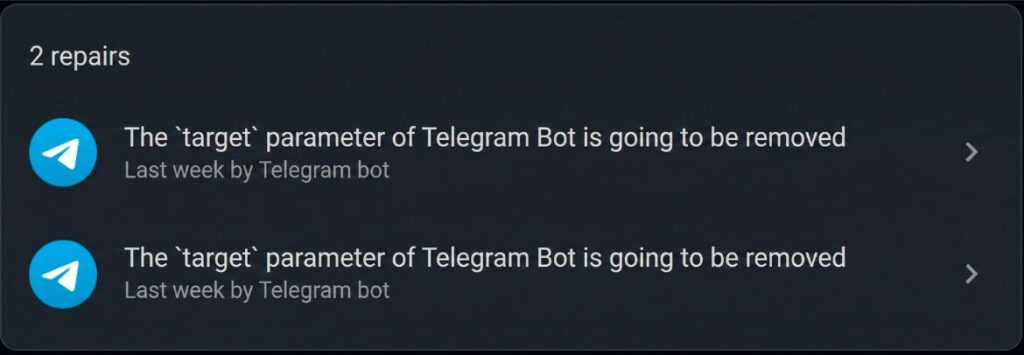
If you just installed version 2026.3, you probably noticed a new repair warning on your dashboard. The system is asking you to update Telegram Bot in Home Assistant because a key parameter is no longer supported.
Specifically, the warning states that the target parameter will stop working in version 2026.9.0. This means we have several months to address the issue calmly and keep our notifications running smoothly.
In this article, we will go over how to adapt your automations quickly and permanently. We focus on practical smart home solutions without unnecessary complications.
Why is the ‘target’ parameter deprecated?
Home Assistant is constantly evolving to make its configuration more consistent. Historically, the Telegram integration used a slightly different naming convention compared to other system services.
The main goal of this change is to standardize actions. By removing target, developers are unifying how we send messages, bringing it closer to the platform’s general standards.
From now on, the platform requires us to identify the message destination using either chat_id or the entity_id of our notification. It is a minor change, but essential for keeping a clean setup.
Steps to update Telegram Bot in Home Assistant
To resolve this warning, you need to check your automations and scripts that send Telegram notifications. There are two ways to do this, both equally valid and stable.
Method 1: Replace ‘target’ with ‘chat_id’ (Quickest fix)
This is the most straightforward option if your YAML code already uses the numeric identifier of your chat. Simply put, you just need to swap one word for another.
Old action example (to be removed):
action: telegram_bot.send_message
data:
  target:
    - 1234567890
  message: "Motion detected in the living room"
New action example (the correct way):
action: telegram_bot.send_message
data:
  chat_id:
    - 1234567890
  message: "Motion detected in the living room"
Method 2: Use ‘entity_id’ (The new standard)
If you prefer working with entities instead of raw numbers, this is the best alternative. In fact, it integrates much more naturally with the Home Assistant visual interface.
In this scenario, you must replace the target line with the notification entity generated by your bot.
Example using notification entities:
action: telegram_bot.send_message
data:
  entity_id:
    - notify.telegram_bot_1234567890_1234567890
  message: "Motion detected in the living room"
How to clear the repair warning in Home Assistant
Once you have modified your YAML files or updated your automations via the graphical interface, the final step is to tell the system the issue is resolved.
To do this, follow this simple path in your control panel:
- Go to Settings in the sidebar.
- Navigate to System and then select Repairs.
- Open the warning related to the Telegram Bot.
- Click the SUBMIT button to confirm you have applied the changes.
With these simple adjustments, your notification system will continue to run robustly and silently in the background, which is exactly what we want in a well-planned smart home.
Continue reading

Next related guide · 3 min read
Home Assistant 2026.3 Updates
March is here, and with it comes a new update. The new features in Home Assistant 2026.3 are focused on polishing details and improving…
Continue with this article