
This article may contain affiliate links. If you buy through these links, the price is the same for you and the store pays me a small commission that helps keep Tecnoyfoto running.

I tested the LinknLink eMotion Air with Home Assistant for roughly two to three months. I put it in a busy kitchen and used Zigbee2MQTT to turn off the light when the room was empty. I also tried its built-in button on the laundry room light and checked what happened around a running ceiling fan, with sudden lighting changes, and through a glass shower screen. The kitchen was the most convincing use case. The other tests showed how much placement matters.
Disclosure. LinknLink provided the eMotion Air for this review. Tecnoyfoto may earn a commission if you purchase through an affiliate link. See the eMotion Air at LinknLink
What you get and where it fits
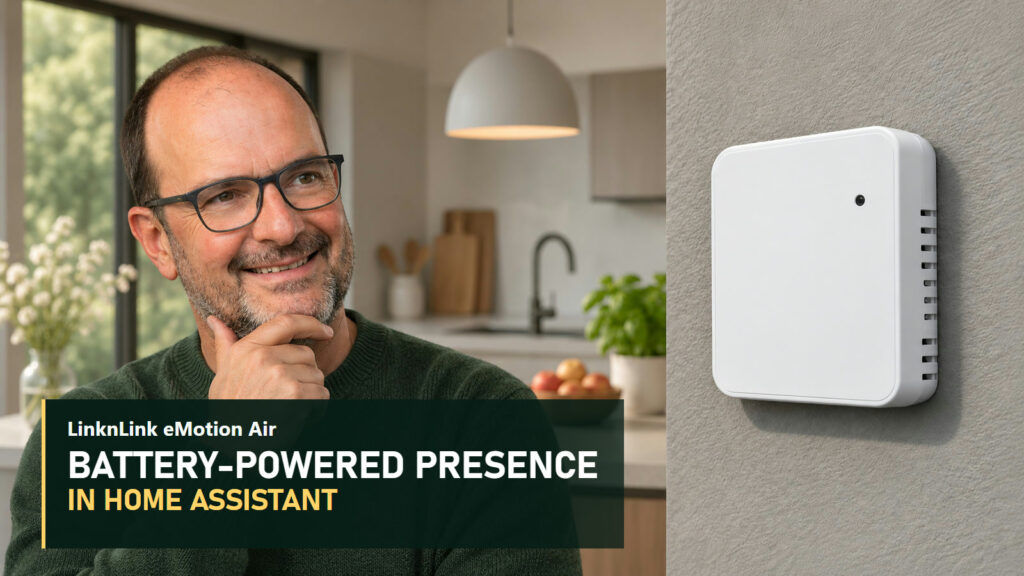
The eMotion Air is a battery-powered Zigbee presence sensor with a 24 GHz mmWave radar, illuminance, temperature and relative humidity readings, and a button built into the front. It measures 69.2 × 69.2 × 17 mm, or about 2.7 inches square and 0.7 inches thick. It uses three AAA batteries, sold separately, and offers Zigbee 3.0 or Bluetooth, one mode at a time. LinknLink rates battery life at up to 18 months, depending on settings and use. LinknLink product specifications · Official eMotion Air guide
The battery cover and two mounting slots are on the back. I left the bracket attached to the wall and took the sensor down to film it. A cable would have limited where I could put it. With batteries, I could aim the radar into the part of the kitchen I wanted to monitor. If you also want to use the button, pick a spot you can reach without changing where the sensor points.
Pairing the eMotion Air with Zigbee2MQTT
I used Zigbee2MQTT in Home Assistant. My unit entered pairing mode when I first installed the batteries, and Zigbee2MQTT picked it up quickly. The video starts the walkthrough with the device already paired.
To pair it manually, enable joining in Zigbee2MQTT and hold down the sensor button until the LED flashes. Zigbee2MQTT lists about 15 seconds. Release it once the LED starts flashing, since holding it longer can trigger a reset. Close joining again once the device has joined. Zigbee2MQTT device documentation · Tecnoyfoto’s Zigbee2MQTT setup guide
The settings and readings I saw
I left the settings largely as they came. Here’s what appeared on the device’s Exposes page. The names match the controls in Zigbee2MQTT.
| Control or reading | What it does |
|---|---|
| Freq | Radar frequency band index from 0 to 4. |
| Trith | Radar detection threshold from 1 to 10. |
| Absence timeout | How long the sensor waits without a detection before reporting an empty room. Zigbee2MQTT lists 0 to 510 seconds in two-second steps. |
| Radar enable | Turns presence sensing on or off. |
| Lx interval | Time between light measurements. |
| Sht interval | Time between temperature and humidity measurements. |
| Lx thread1 and Lx thread2 | Lower and upper illuminance thresholds. The first must be lower than the second. |
| Temperature, Humidity, and Illuminance | Temperature, relative humidity, and ambient light in lux. |
| Occupancy and Battery | The reported room state and battery percentage. |
| Action and Linkquality | Button events and the quality indicator for the Zigbee link. |
If a light stays on longer than expected, watch Occupancy first. When the sensor reports the room as empty, check whether Home Assistant adds another delay before switching the light off. Light and climate sampling are separate from that timeout. LinknLink says that sampling those readings more frequently can raise battery use. Zigbee2MQTT controls reference · LinknLink guide to detection and battery drain
Does the eMotion Air work with ZHA?
LinknLink documents ZHA as another Zigbee option. My hands-on test used Zigbee2MQTT, so the controls above are what I saw in that integration. If you need button events in ZHA, LinknLink provides a device-specific quirk. Its repository lists firmware V1.2.7 or later for that quirk. Check which entities and events your own setup exposes. LinknLink’s ZHA device quirk · Tecnoyfoto’s Home Assistant ZHA guide
The kitchen and laundry room tests
Turning the kitchen light off when the room was empty
In the kitchen, I set Home Assistant to turn off the light after the eMotion Air reported the room was empty. It worked very well in regular use, and I had no Zigbee reception issues in that room. The link-quality reading went up when I brought the sensor into my studio to film.
The basic automation is a transition from occupied to clear, followed by a light-off action. Checking the occupancy entity on its own helps you tell whether any extra wait comes from the device or the automation.
Using the button to toggle another light
In the video, the laundry room light starts off. I press the sensor once and the light comes on. I press it again and the light turns off. The response looked quick in my setup. I did not measure latency.
Use the single-press event as the trigger if you want to toggle a light this way. I showed single, double, and long presses in the video. Zigbee2MQTT’s documentation also lists a triple press and a release event. Check the actual event in your setup before assigning it to another action. Button events in Zigbee2MQTT
Ceiling fan, sudden light changes, and glass
Ceiling fan. A running ceiling fan did cause false occupancy detections in my bedroom test. Repeated movement can interfere with radar-based presence sensing, and LinknLink lists fans, moving curtains, and air conditioner louvers as possible sources. Before committing to a mounting spot, compare the occupancy state with the room empty and the fan on and off. LinknLink troubleshooting guide
Sudden changes in light. I turned on all the lights at once from a dark room and repeated the test several times. I didn’t see a false presence detection in those runs. Watch the illuminance and occupancy readings separately if your lighting automation uses both.
Glass shower screen. The sensor picked up someone through the glass I tested, but it needed more movement and the detection was less consistent. I wouldn’t rely on a sensor placed behind that screen to keep a shower light on if the automation needs reliable detection of small movements.
Bluetooth or Zigbee?
The eMotion Air uses one mode at a time. LinknLink documents Bluetooth for setup, sensor readings, and supported settings in its app. The guide also describes a direct Bluetooth connection to Home Assistant with a compatible radio or proxy. Switch back to Zigbee when you need Zigbee reports again. I did not test Bluetooth, so the reliability and response observations in this review are for Zigbee2MQTT. Official eMotion Air connection guide
For Google Home, LinknLink documents an eMotion Ultra bridge. A direct Zigbee connection to Alexa requires a compatible Echo or Amazon hub with Zigbee built in. Supported ecosystems and connection paths
Battery life after two to three months
Zigbee2MQTT still showed 100% after roughly two to three months in my kitchen. That’s the reading my unit reported. It isn’t a measurement of the capacity left in the cells and can’t tell me when I’ll need to replace them.
LinknLink’s up to 18 months depends on the configuration and how the device is used. If your battery indicator drops quickly, the maker’s guide points to frequent light or climate sampling, a busy reporting setup, and connection issues as things to check. Manufacturer battery-life specification · Manufacturer battery troubleshooting
Price and verdict
On November 9, 2026, I saw it listed at US$15. On November 21, LinknLink’s store showed US$13.59 for one eMotion Air Plus during Black Friday week. That may be a temporary offer. Check the listing and the delivered price for your location. Check the current eMotion Air price at LinknLink
I’d use it in a room where a USB cable would limit placement and I want a single occupancy reading for the lights. It worked well for that in my kitchen, and the button gives it a practical second job. A fan or a glass partition changes the decision. In either case, I’d test the occupancy reading in the intended spot before relying on it in an automation.
Continue reading

Next related guide · 11 min read
SONOFF Basic DIN Rail Zigbee: What It Adds to Home Assistant
The SONOFF Basic DIN Rail Zigbee, model BASIC-ZB1GSP, combines circuit switching and electrical measurements in a DIN rail device. In my test, I paired…
Continue with this article