
As an Amazon Associate, I earn from qualifying purchases. En calidad de Afiliado de Amazon, obtengo ingresos por las compras adscritas que cumplen los requisitos aplicables. If you buy through these links, the price is the same for you and Amazon pays me a small commission that helps keep Tecnoyfoto running.

Updated August 26, 2026.
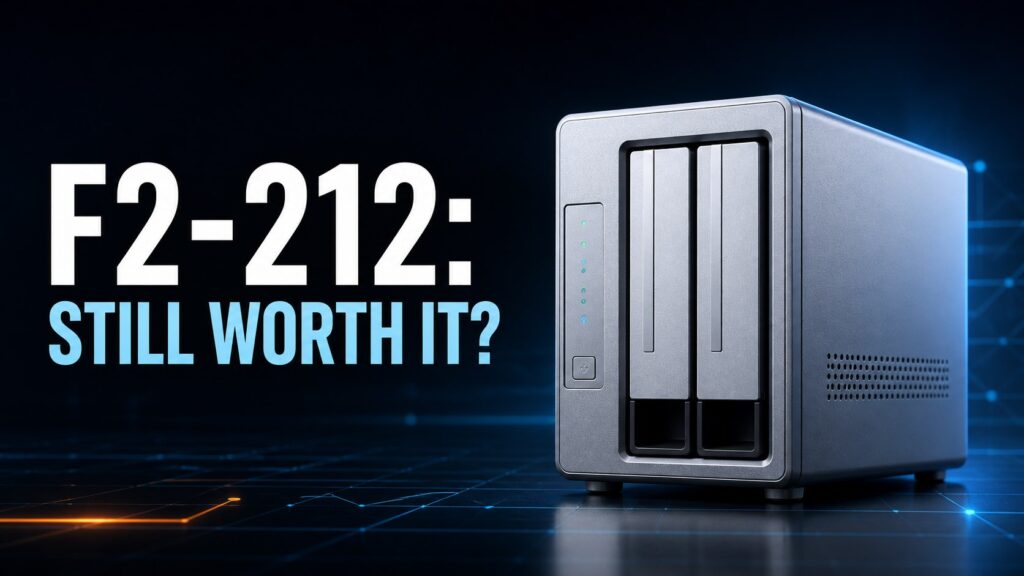
The TerraMaster F2-212Affiliate link is an affordable two-bay NAS for backups, file storage, and direct-play media. This review covers what it offers today, what changes with TOS 7 ARM, and the practical limits imposed by its Realtek processor, 1 GB of memory, and Gigabit Ethernet.
What the F2-212 is—and who should buy it
This is a home-focused TNAS with two SATA bays, a quad-core Realtek RTD1619B ARM processor, and non-upgradable memory. It is designed to centralize documents, computer backups, photos, and a modest media library—not to replace an x86 application server.
Compared with a subscription cloud, it keeps files under your control and lets you choose the drives. Compared with a DIY server, it uses less power and is easier to deploy. The tradeoff is a smaller ARM app catalog and limited headroom for simultaneous services.
- Good fit: 3-2-1 backups, SMB, Time Machine, photos, and direct-play media.
- Possible with limits: Plex or Emby when clients can direct play.
- Poor fit: virtual machines, heavy databases, many cameras, or a large container stack.
RAID is not backup. RAID 1 can keep the NAS online after one drive fails, but it does not protect against deletion, ransomware, theft, or operator error.
Hardware, networking, and realistic performance
The 1.7 GHz ARM CPU and 1 GB of DDR4 are sufficient for file services and scheduled jobs, but memory cannot be expanded. Gigabit Ethernet has a 125 MB/s theoretical ceiling, so healthy drives and large sequential transfers will usually be constrained by the network.
Do not treat hardware video decoding as a promise of universal 4K transcoding. Plex support depends on the app build, codec, container, subtitles, and client. Direct play to compatible TVs and streamers is the reliable approach.
- Two SATA bays for 3.5-inch or 2.5-inch HDDs and SSDs.
- One Gigabit Ethernet port; software cannot turn it into 2.5GbE.
- USB is useful for external backups; verify port count and speed for your hardware revision.
- Non-upgradable RAM means background services must be kept under control.
TOS 7 ARM migration
TerraMaster released TOS 7 ARM for the F2-212 and F4-212 on August 4, 2026. The supported path starts at TOS 5.1.73 or later and introduces a new Ubuntu 22.04-compatible root file system. TerraMaster warns that existing system settings are cleared even though data volumes are intended to remain intact.
Document users, shares, permissions, network settings, jobs, and applications before migrating. Back up irreplaceable data, review SMART health, and schedule downtime. The ARM release does not provide every x86 application; TerraMaster specifically lists Surveillance Manager, iSCSI Manager, and Portainer among the unavailable apps.
Treat this as a migration, not a routine point update. Do not begin without a tested independent backup.
Recommended storage and security setup
With two matching drives, TRAID or RAID 1 provides single-drive redundancy. Independent disks maximize flexibility but do not provide continuity. Btrfs snapshots help recover earlier versions, yet they remain on the same appliance and therefore cannot replace external backup.
Use individual accounts, reserve the administrator account for administration, enable MFA where supported, and never expose the management interface directly to the internet. Use a VPN or a protected vendor remote-access service instead.
- Snapshots for frequently changed folders.
- Nightly backup to USB with periodic offline storage.
- A second copy off-site or in cloud storage.
- Alerts for drive health, temperature, and capacity.
Plex, backups, and Home Assistant
The F2-212 works best as a direct-play media server. It may host lightweight services only when a supported ARM package exists, but TOS 7 ARM should not be described as equivalent to the x86 Docker Manager environment. A separate mini PCAffiliate link is usually a better Home Assistant host and keeps storage maintenance from disrupting automations.
Backup is the product’s strongest role. Use SMB, Time Machine, CloudSync, or TerraMaster tools, then perform an actual restore test. A successful job status is not proof that the backup can be recovered.
Troubleshooting
For slow transfers, test over Ethernet with one large file and confirm a 1 Gbps link. Wi-Fi, small files, SMR drives, RAID rebuilds, indexing, and thumbnail generation can all distort results. Check memory pressure before blaming the disks.
For heat or noise, clean the vents, allow clearance around the chassis, and avoid furniture that amplifies vibration. Use the operating system shutdown command and a compatible UPS rather than cutting power.
Verdict
The F2-212 remains a sensible home backup and file-storage appliance if you accept Gigabit networking, fixed RAM, and the ARM app catalog. TOS 7 extends its useful life, but the migration needs preparation and an app-compatibility check.