

Updated August 29, 2026.
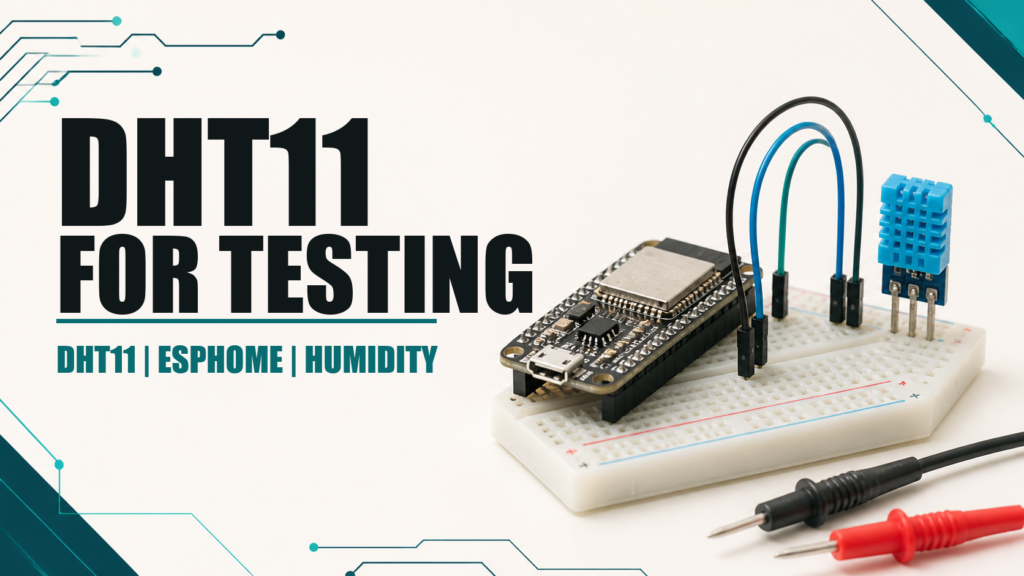
The DHT11 works with ESPHome and remains useful for learning, checking wiring, or building a cheap demonstration. Its coarse resolution, modest accuracy, and slow response, however, make it a poor first choice for home automations that must react to real temperature or humidity changes.
What the DHT11 actually measures
The DHT11 combines a humidity-sensitive element, a thermistor, and simple electronics that send both measurements over one digital line. This makes wiring convenient but does not make the result highly accurate. It is intended for moderate indoor conditions and non-critical projects.
- Temperature: roughly 1 °C resolution and modest typical accuracy.
- Humidity: about 1% resolution, with an error large enough to affect automations.
- Speed: readings must be spaced out; polling continuously does not improve response.
- Consistency: two inexpensive units may disagree noticeably.
A reading of 20 °C and 55% should therefore not be treated as a laboratory reference. The DHT11 can show broad trends, but it is unsuitable for delicate process control or safety decisions.
Correct wiring
Bare sensors often have four pins, although one is unused. Breakout modules usually expose VCC, DATA, and GND and often include the pull-up resistor. Check the printed labels because pin order varies between manufacturers.
- VCC: use 3.3 V when connecting directly to an ESP32 or ESP8266.
- DATA: connect to a suitable GPIO.
- GND: connect to board ground.
- Pull-up: fit approximately 4.7 kΩ between DATA and 3.3 V if the sensor or module does not include one.
ESPHome documents a workable pull-up range of 1 kΩ to 10 kΩ and recommends trying 4.7 kΩ when communication fails. Keep wiring short. If a breakout already includes a resistor and the log reports invalid readings, ESPHome also lets you set pullup: false in the pin configuration.
Current DHT11 configuration for ESPHome
sensor:
  - platform: dht
    model: DHT11
    pin:
      number: GPIO4
      pullup: true
    temperature:
      name: "DHT11 Temperature"
    humidity:
      name: "DHT11 Humidity"
      accuracy_decimals: 0
    update_interval: 60s
Setting model: DHT11 avoids relying on auto-detection and can solve communication problems. ESPHome defaults to a 60-second interval, which is appropriate; aggressive polling does not make this sensor more accurate.
GPIO4 is only an example. Check your board pinout and avoid boot-strapping pins. On a Wemos D1 mini, the board label D2 maps to GPIO4; using the GPIO number makes the configuration easier to move between boards.
Why it is not my preferred primary sensor
Ventilation, heating, and dehumidifier automations need to detect small changes consistently. The DHT11 rounds temperature to whole degrees, and its humidity error may be similar to the threshold used by the automation. The result can be late switching, oscillation, or decisions driven by noise.
Accuracy and resolution are different. Displaying decimal places does not mean the hardware measured them. Filters and averages can smooth a graph, but they cannot recover information the sensor never produced.
Better alternatives
- DHT22 or AM2302: an easy improvement while keeping a similar component and protocol.
- SHT3x: a strong choice for more stable environmental readings.
- HTU21D: a simple I²C temperature and humidity sensor.
- BME280: adds barometric pressure and integrates cleanly with ESPHome.
If you already own a DHT11, there is no need to discard it. Use it to learn YAML, test a board, or confirm that Home Assistant receives entities. Replacing it when the prototype becomes a permanent installation is usually an inexpensive upgrade.
Common problems
nanreadings or invalid-data warnings: setmodel: DHT11, inspect the pull-up, and shorten the cable.- The values never change: wait for several intervals and allow airflow around the package.
- Humidity looks wrong: compare for several hours against another sensor instead of judging one sample.
- The node fails to boot: move DATA to a GPIO that does not affect startup.
- The module becomes hot: disconnect power and verify VCC, DATA, and GND immediately.
Conclusion
The DHT11 is not useless: it is inexpensive, simple, and suitable for testing. Problems begin when it is expected to match modern sensors. Configure it correctly, treat its numbers as approximate, and choose a DHT22, SHT3x, HTU21D, or BME280 when measurement quality matters.