
This article may contain affiliate links. If you buy through these links, the price is the same for you and the store pays me a small commission that helps keep Tecnoyfoto running.

Last updated on February 21, 2026
In the world of smart homes, fragmentation has always been one of the biggest pain points. Every brand has its own ecosystem, its own hub, and its own app. The Sonoff Zigbee 3.0 USB Dongle PlusAffiliate link (model “P”) arrived years ago as a game-changing solution, and I’m here to confirm that in 2026, it remains one of the best tools for building a unified, local, and private Zigbee network, especially if you’re a Home Assistant user.
This is the definitive, updated guide. Forget needing one hub for Philips Hue, another for Aqara, and a third for IKEA. With this single device, you can control them all from one platform, without relying on any manufacturer’s cloud.
What Exactly Is the Sonoff Zigbee 3.0 USB Dongle Plus?
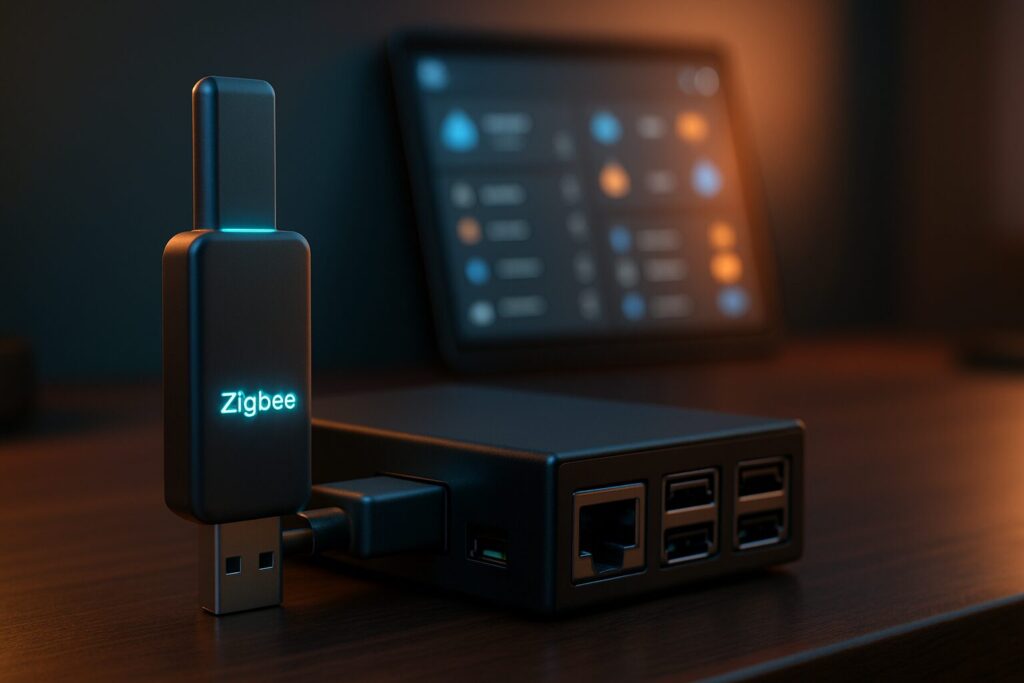
In essence, it’s a universal Zigbee coordinator in a USB stick format. You plug it into your smart home server (like a Raspberry Pi, NUC, or a NAS running Home Assistant), and it becomes the brain of your Zigbee network. From that moment on, all your Zigbee devices (bulbs, sensors, plugs) communicate with it instead of their original hubs.
Its continued success and relevance in 2026 come down to a powerful combination of solid hardware and open-source software. Here are its key specs:
- Powerful TI CC2652P Chip: Still one of the most reliable and well-supported chips for managing large, stable Zigbee networks.
- Zigbee 3.0 Protocol: Guarantees maximum compatibility with devices from different brands, both new and old.
- High-Gain External Antenna: Significantly improves signal range and quality compared to other dongles with internal antennas.
- Aluminum Casing: It’s not just for looks; it helps dissipate heat and, crucially, reduces electromagnetic interference.
- Open-Source Firmware: Comes pre-flashed with Koenkk’s firmware, a gold standard in the community, ensuring continuous support and development.
Pros and Cons in 2026
After years of hands-on use and testing, I’ve developed a very clear picture of its strengths and weaknesses.
Pros
- Unbeatable Bang for Your Buck: It still offers the performance of much more expensive coordinators at a very affordable price point.
- Maximum Compatibility: Thanks to its chip and mature software like ZHA or Zigbee2MQTT, it’s rare to find a Zigbee device that won’t work with it.
- 100% Local Control: Free your devices from the cloud. If your internet goes down, your smart home keeps working flawlessly.
- Massive Community Support: If you run into an issue, it’s almost certain someone has already solved it. There are thousands of guides, forums, and videos available.
Cons
- Requires a Host: This isn’t a simple “plug-and-play” device for a non-technical user. It needs to be connected to a computer running software like Home Assistant.
- Sensitive to USB 3.0 Interference: This is its Achilles’ heel. Plugging it directly into a USB 3.0 port (the blue ones) can degrade or completely kill the Zigbee signal. The solution is simple but essential: use a USB extension cable.
Comparison: Sonoff Dongle Plus vs. Popular Alternatives in 2026
The market has definitely evolved. Here’s a quick look at how the Sonoff Dongle Plus stacks up against other popular coordinators you might be considering.
| Model | Main Chip | Connectivity | Protocols | Key Strengths |
|---|---|---|---|---|
| Sonoff Zigbee 3.0 Dongle Plus (“P”) | TI CC2652P | USB | Zigbee 3.0 | Best value, external antenna, huge community. |
| Home Assistant SkyConnect | EFR32MG21 | USB | Zigbee 3.0, Thread, Matter | Official Home Assistant support, future-proof with Matter/Thread. |
| Conbee III | EFR32MG21 | USB | Zigbee 3.0, (experimental Thread) | Polished deCONZ software, own ecosystem besides ZHA/Z2M. |
| SMLIGHT SLZB-06 | TI CC2652P | Ethernet / PoE / WiFi | Zigbee 3.0 | Lets you place the coordinator anywhere with a network jack, eliminating interference. Ideal for advanced setups. |
How to Set Up the Sonoff Zigbee Dongle Plus in Home Assistant
Home Assistant integration is its primary use case. Before you start, here’s a tip I can’t stress enough: use a USB extension cable at least 3 feet (about 1 meter) long. Connect it to the dongle, and then plug the cable into your server’s USB port. This gets the antenna away from potential sources of interference and is the difference between a rock-solid network and a sea of problems. I’m speaking from personal experience.
You have two main paths for configuration:
Option 1: Setup with ZHA (The Easy, Native Way)
Zigbee Home Automation (ZHA) is the official Home Assistant integration. It’s robust, easy to set up, and for 95% of users, more than enough.
- Plug the Dongle into your Home Assistant server using the extension cable.
- Go to Settings > Devices & Services.
- Home Assistant should automatically detect the device. A card will pop up asking to configure “Texas Instruments.” Click Configure.
- It will ask for the serial port. It usually detects this on its own. Simply confirm the path it suggests (it’s typically something like
/dev/ttyUSB0).
- Select “Create a new network” and leave the default settings. That’s it! Your Zigbee coordinator is up and running. You can now start adding devices by clicking “Add Device” within the ZHA integration.
Option 2: Setup with Zigbee2MQTT (The Powerful, Customizable Way)
Zigbee2MQTT (Z2M) is a third-party solution that communicates with Home Assistant via an intermediary called an MQTT Broker. Historically, it offered broader device compatibility and allowed for more granular control.
- Install the MQTT Broker: Go to Settings > Add-ons > Add-on Store. Search for and install “Mosquitto broker.” Start it and configure it with a username and password. You can follow our complete MQTT guide here.
- Install Zigbee2MQTT: In the same Add-on Store, search for and install “Zigbee2MQTT.”
- Configure Zigbee2MQTT: Before starting it, go to the “Configuration” tab of the Add-on. Find the `serial` section and specify your dongle’s path. It’s usually:
serial: port: /dev/ttyUSB0 - Save the configuration and start the Zigbee2MQTT Add-on. If everything is correct, you can access its web UI to start pairing your devices.
Updating the Sonoff Zigbee Dongle Firmware
Although the dongle comes ready to use, new firmware versions are occasionally released that improve stability or increase the number of devices it can handle. The update process is called “flashing” and isn’t complicated, but it requires following specific steps.
Additionally, you can flash a different firmware to turn the dongle into a Zigbee “Router” device. This is useful if you already have a coordinator and want to use a second dongle to extend your network’s coverage, acting as a very powerful signal repeater.
I’ve prepared a complete, detailed step-by-step guide so you won’t get lost. You can consult it here: How to Update the Firmware on the Sonoff ZBDongle-P/E.
Frequently Asked Questions (FAQ)
- Is using a USB extension cable mandatory?
- In my professional opinion, yes. Especially if you’re using a Raspberry Pi, whose USB 3.0 ports are notorious for generating interference in the 2.4 GHz band—the same one Zigbee uses. It’s the cheapest and most effective way to guarantee a stable network.
- My devices keep disconnecting. What can I do?
- First, make sure you’re using that extension cable. Second, check that the Zigbee channel you’re using in ZHA or Z2M doesn’t overlap with your 2.4 GHz Wi-Fi channel. Try to use Zigbee channels 15, 20, or 25, and stick to Wi-Fi channels 1, 6, or 11. Finally, consider adding a few mains-powered devices (like smart plugs or bulbs) which act as repeaters (Zigbee routers) to strengthen the mesh network.
- Can I use this dongle without Home Assistant?
- Yes, it’s compatible with other open-source platforms like ioBroker, OpenHAB, and Domoticz. However, it will not work with proprietary applications like Sonoff’s eWeLink app, Tuya Smart Life, or similar cloud-based systems.
- Is the “E” model better than the “P” model?
- The Sonoff Dongle “E” uses a Silicon Labs EFR32MG21 chip, similar to the one in the SkyConnect. It’s an excellent alternative, but the “P” model (with the CC2652P chip) has firmware and community support that, in my experience, is slightly more mature and battle-tested as of today. Both are fantastic options.
The Verdict: Is It Still the Best Zigbee Dongle in 2026?
After all these years, the Sonoff Zigbee 3.0 USB Dongle PlusAffiliate link (Model P) has earned its title as a “modern classic.” For anyone starting with Home Assistant who wants to build a powerful Zigbee network without breaking the bank, it’s still my number one recommendation.
It’s true that alternatives like the Home Assistant SkyConnect are looking toward the future with Thread and Matter integration. However, the reality today is that the Zigbee ecosystem is immense, mature, and just works. The reliability of the CC2652P chip and the incredible community support make this dongle a safe investment and a cornerstone for a truly local, private, and powerful smart home.
Continue reading
Next related guide · 6 min read
SONOFF TRVZB In-Depth Review (2026): Is This Zigbee TRV Still a Smart Buy?
Last updated on March 4, 2026 In the 2026 smart home landscape, optimizing your heating is still a top priority. The SONOFF Zigbee Thermostatic…
Continue with this article