

Last updated on January 24, 2026
In 2026, Alexa Guard has evolved from a simple feature into one of the most accessible and powerful security tools for the smart home. Built into your Amazon Echo devices, this function transforms your speakers into vigilant ears, capable of detecting unusual sounds when you’re away, giving you an invaluable layer of peace of mind. Long gone are the days when this was a basic gimmick; today, it’s a robust service with two distinct tiers to fit any household’s needs.
In this definitive guide, I’ll break down exactly how Alexa Guard works, the crucial differences between the free version and the Alexa Guard Plus subscription, and how to configure everything to bolster your home security with Alexa.
What is Alexa Guard and How Does It Work in 2026?
The concept is simple yet powerful: when you activate Guard mode, your Echo devices’ microphones listen for specific sound patterns. If they detect something out of the ordinary, like a smoke alarm or the sound of glass breaking, they’ll send a Smart Alert directly to your phone. This notification includes an audio clip of the detected sound so you can immediately assess the situation and take action.
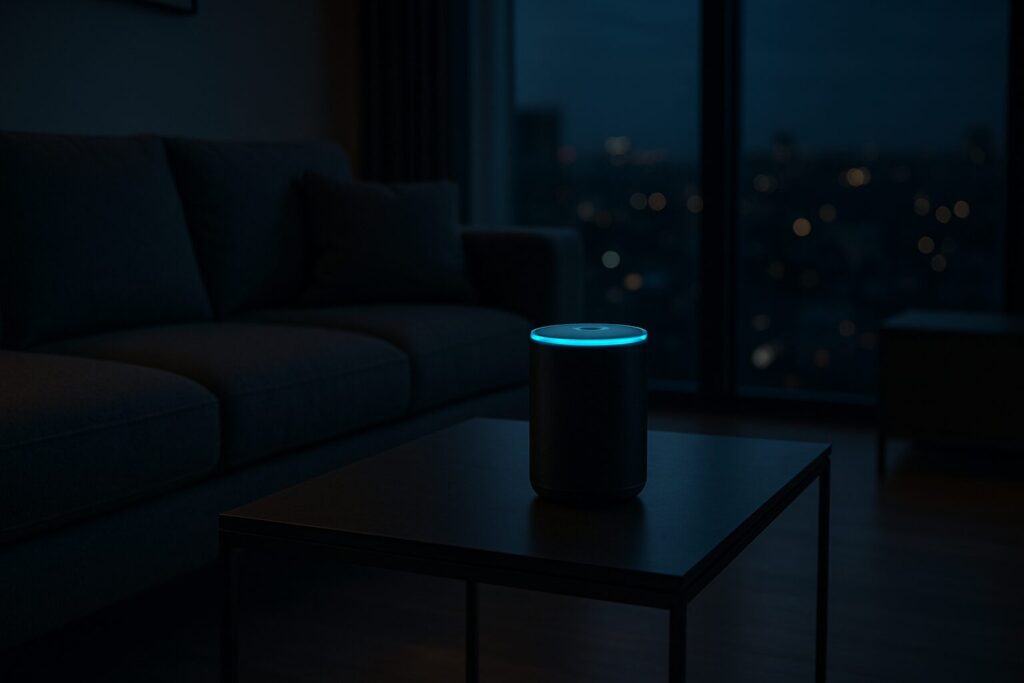
When the mode is active, your Echo’s light ring will display a slow, rotating white animation. This is a subtle visual confirmation that Guard is on duty.
Alexa Guard (Free) vs. Alexa Guard Plus (Subscription): 2026 Comparison
As of 2026, Amazon offers two levels of service. The free version is an excellent starting point that everyone should enable, but Guard Plus adds proactive security features that make it a serious contender in the home security space. Here’s a side-by-side comparison to make the differences crystal clear.
| Feature | Alexa Guard (Free) | Alexa Guard Plus (Subscription) |
|---|---|---|
| Smoke & CO Alarm Detection | ✔️ | ✔️ |
| Glass Break Detection | ✔️ | ✔️ |
| Away Lighting | ✔️ | ✔️ |
| Activity Detection (footsteps, doors, coughing) | ❌ | ✔️ |
| Deterrent Sounds (dog barking, sirens) | ❌ | ✔️ |
| 24/7 Emergency Helpline | ❌ | ✔️ |
| Integration with Ring, Abode, etc. | ❌ | ✔️ |
| Estimated 2026 Price | Free | Around $4.99/month or $49/year |
How to Enable Alexa Guard (Step-by-Step)
Setting this feature up is a quick process you can do right from the Alexa app. Here’s how to enable Alexa Guard using the 2026 interface:
- Open the Alexa app on your smartphone.
- Tap on the “More” tab in the bottom-right corner.
- Select “Settings” and then scroll down and find the “Guard” option.
- Follow the on-screen instructions to set up Smart Alerts on your phone. It’s crucial that you grant the necessary notification permissions.
- The app will ask you to confirm which sounds you want to detect (smoke alarms, CO alarms, glass breaking). If you have Guard Plus, you’ll see additional options here for activity detection.
- That’s it! Alexa Guard is now configured.
To arm and disarm the system, just use your voice. When you leave, simply say, “Alexa, I’m leaving.” When you return, say, “Alexa, I’m home.” It’s essential that everyone in the household knows these commands to avoid false alarms.
Key Alexa Guard Features in 2026
Beyond basic detection, Guard has evolved with some genuinely useful functions.
Drop In: Listen In Real-Time
If you receive a Smart Alert, one of the most powerful actions you can take is the Drop In feature. From the alert in your Alexa app, you can instantly connect to the specific Echo that detected the sound to hear a live audio stream of what’s happening. It’s the fastest way to verify if it’s a real threat or just a false alarm.
If you have an Echo Show with the camera enabled, the experience is even better. You won’t just hear what’s going on—you’ll see it in real-time.
Away Lighting: Smart Presence Simulation
One of the best ways to deter potential intruders is to make them think someone is home. The Away Lighting feature does exactly that. Using machine learning algorithms, Alexa intelligently turns your connected lights on and off to mimic human activity. To use this, you’ll need compatible smart lights, switches, or smart plugs. You can easily configure which lights participate in this simulation from the Guard settings in the app.
Seamless Security System Integration (Ring, Abode)
With a Guard Plus subscription, the system becomes a true powerhouse by integrating with third-party security systems. For example, if you have a Ring Alarm, you can set it to automatically arm when you tell Alexa you’re leaving. Furthermore, if Alexa detects a suspicious sound, it can trigger your Ring Alarm’s siren and notify its professional monitoring service—a feature that truly unifies your security ecosystem.
Privacy and Data Management in Guard Mode
It’s natural to worry about privacy when a device is always listening. Amazon has been clear on this point: Alexa Guard only processes sounds locally on your device. Only when it detects one of its wake words (like “Alexa”) or a configured alert sound (glass breaking, alarm, etc.) does it send a short audio clip to Amazon’s secure cloud to verify the sound and send you the notification.
From the Alexa Privacy Dashboard in the app or on the web, you can review and delete all voice recordings associated with your account, including Guard alerts. You are in complete control of your data.
My Verdict: Is Alexa Guard Plus Worth It in 2026?
After testing both versions extensively, my conclusion is clear. The free Alexa Guard is a no-brainer feature that every Echo owner should enable today. It costs nothing and provides a basic but effective layer of security, especially for detecting fire and CO alarms.
On the other hand, Alexa Guard Plus has become a highly competitive option against low-cost traditional alarm systems. For a small monthly or annual fee, you get far more granular activity detection, audible deterrents, and—most importantly—the 24/7 emergency helpline and deep integration with systems like Ring. If you’re serious about your home’s security and are already invested in the Amazon ecosystem, the Guard Plus subscription is, in my opinion, a smart and highly recommended investment in 2026.